
Web app: basics
Live timings
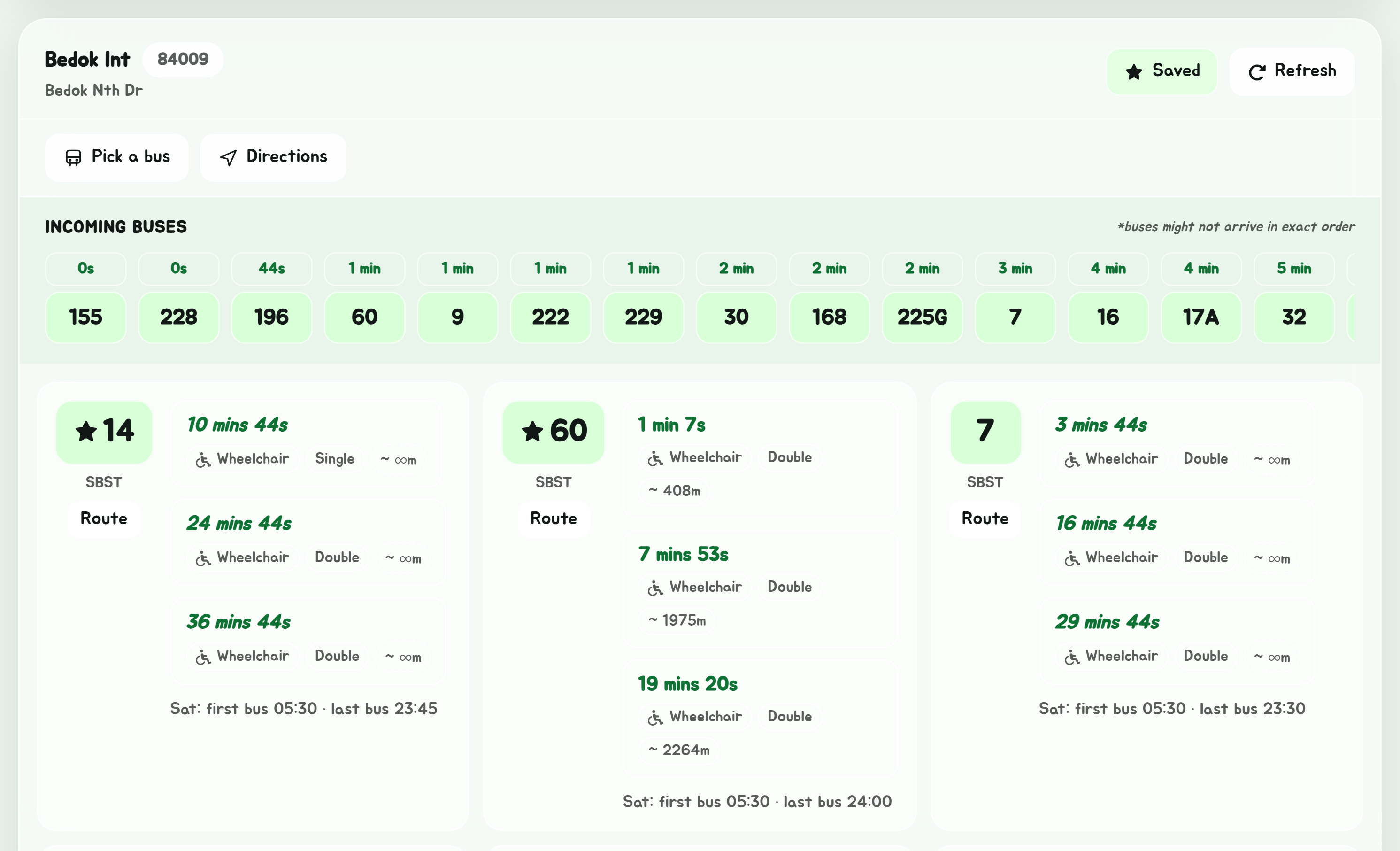
Everything on a stop's timings card: the next buses for every service, the incoming buses bar, the first and last bus, the flag-down screen, the departures board, and how long your walk is.
When you open a stop, a card shows its name, its code and its road, then every bus service that calls there with its next three buses. If you are new to the colours and badges, read Reading bus timings first.
The buttons on the card
| Button | What it does |
|---|---|
| Save | Adds the stop to your favourites. It turns into Saved; tap again to remove it. |
| Refresh | Fetches the latest timings. They do not refresh by themselves. |
| Route | On each service's row: opens that bus's route. |
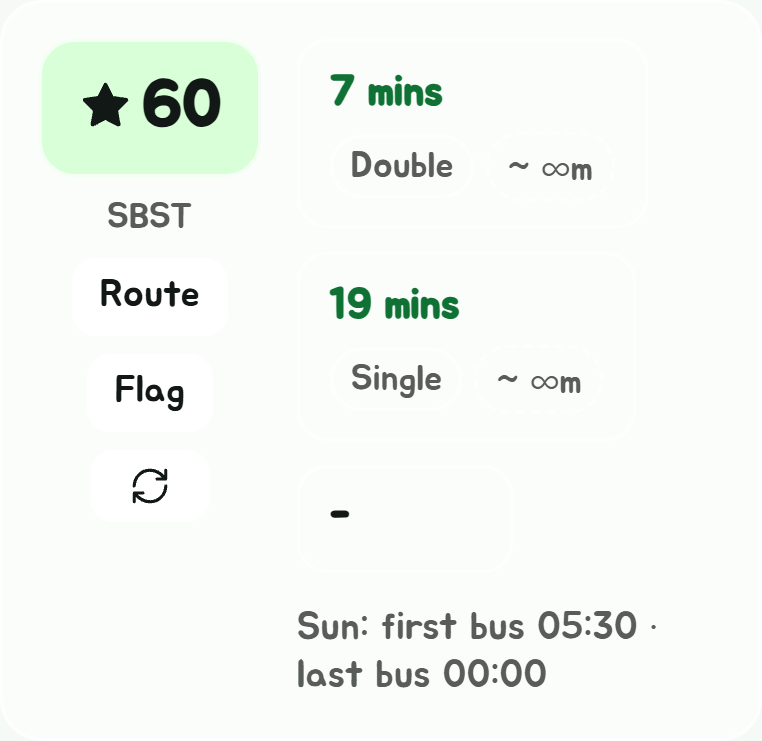
| Flag | On each service's row: its number as big as your screen allows, white on black, to hold up at a dark stop so the bus captain sees which bus you want. The screen stays on; in the Android app it also goes to full brightness, and Torch turns the torch on, steady. Done closes it. |
| Round arrows | On each service's row, under Flag: fetches that bus's timings alone, so you needn't scroll back up to Refresh from the bottom of a long list. |
| Board | The stop's departures board, full screen, like an interchange's screens: each bus, where it's going, its next three and how full they are, a page at a time. Good on a TV or a spare monitor; and the stop's code is its link to bookmark. |
Pick a bus, Route from here and Directions are covered in More from a stop.
On a phone, a firm shake also refreshes the timings: handy with one hand on a pole. Shake to refresh in Settings turns it off.
Will I make it?
Under the stop's buttons, How far's my walk? works out roughly how long it'd take to walk to the stop from where you are, and which buses you'd make if you set off now. Buses that would leave before you got there are greyed. After the first time you allow your location, it does this by itself for each stop you open.
It's the walk in a straight line with a bit added for corners, at an easy pace: an estimate. For the real walk, use Directions.
Incoming buses

The bar at the top of the card lists the next bus of every service at once, soonest first, coloured by how full it is. It is the quickest way to answer "which bus comes first?" at a stop served by several that go your way.
Clock times
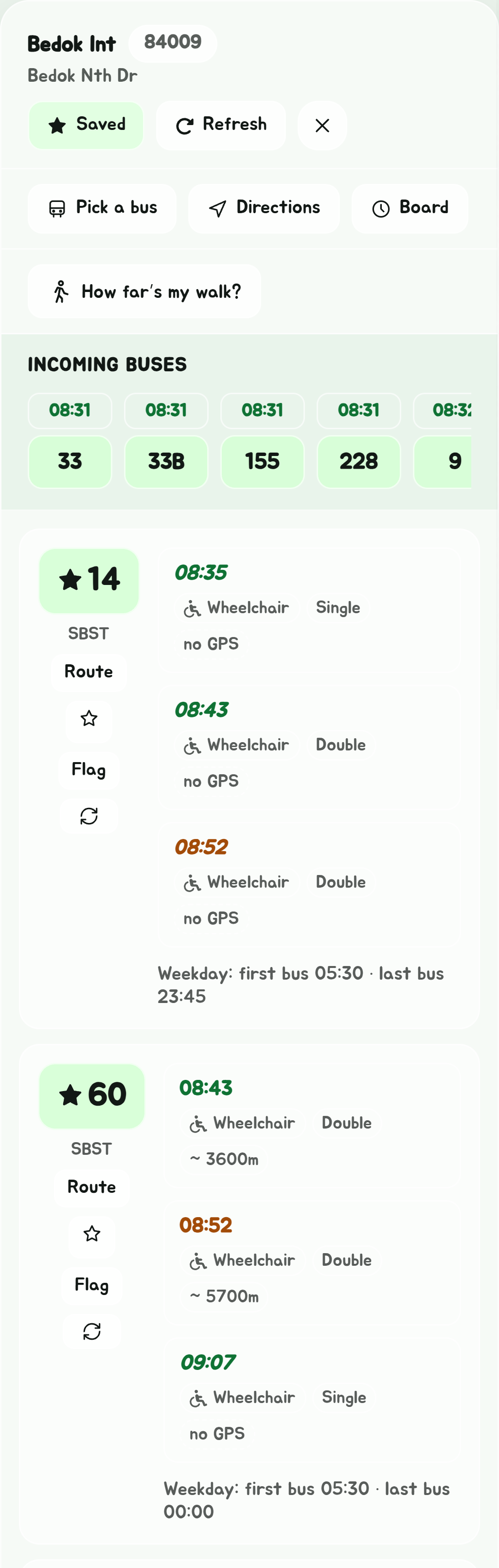
Each bus shows how long till it comes, such as . To see the time it comes instead, such as , pick Clock time under Bus times in Settings. The card, the incoming buses bar, Glance, the departures board and the next buses in Navigate all show clock times then.
First and last bus
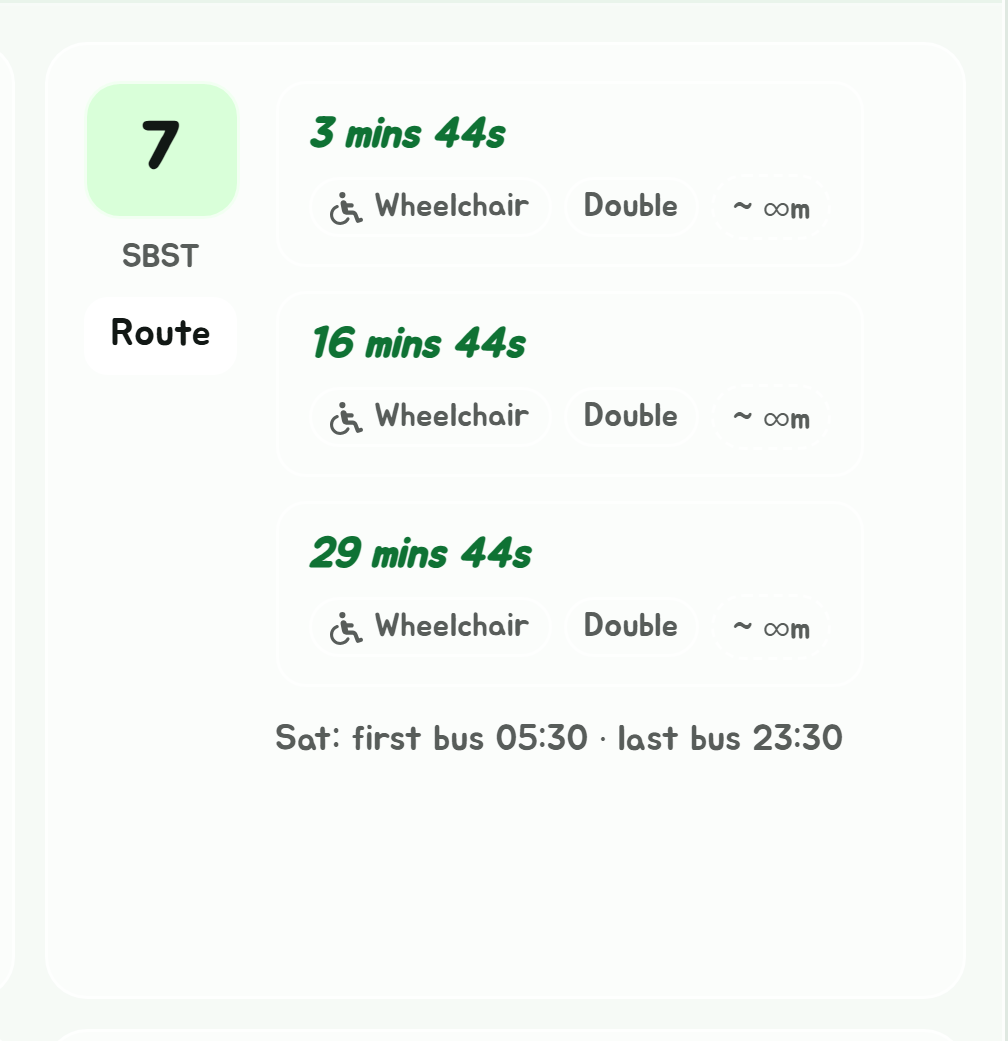
Under each service's three buses is its first and last bus at this stop today, using the weekday, Saturday or Sunday timetable as fits. A service that does not run today says so instead.
In the Android app, a bell beside it sets a reminder 20 minutes before that last bus, every day.
Notes on some stops
Under the stop's name, a few stops carry a note:
- One place, two stops. Some interchanges are two stops under one name, each with buses of its own: Woodlands Int is 46008 and 46009. A button, such as Also Woodlands Int (46009), opens the other one.
- Authorised personnel only. The stops inside Changi Airport's cargo area, and MINDEF's on Gombak Drive, are only for people allowed in. The route planner and Navigate never have you get on or off at one, and never ride through the cargo area, unless you work there: Settings' Restricted areas, I have a pass, lets them.
- Across the border. Woodlands Checkpoint (46101, 46109) says Immigration checkpoint, and the stops in Johor Bahru, at its checkpoint, JB Sentral and Larkin Terminal, say In Malaysia: you'll need your passport to go on. Search results and route lists mark them too.
- Shuttle buses. At a stop a shuttle bus calls at, such as NUS's, NTU's or IKEA's, a Shuttle buses list under the buses gives each route's timetable: how often it runs now, or its next departures. See Shuttle buses.
Shuttle buses
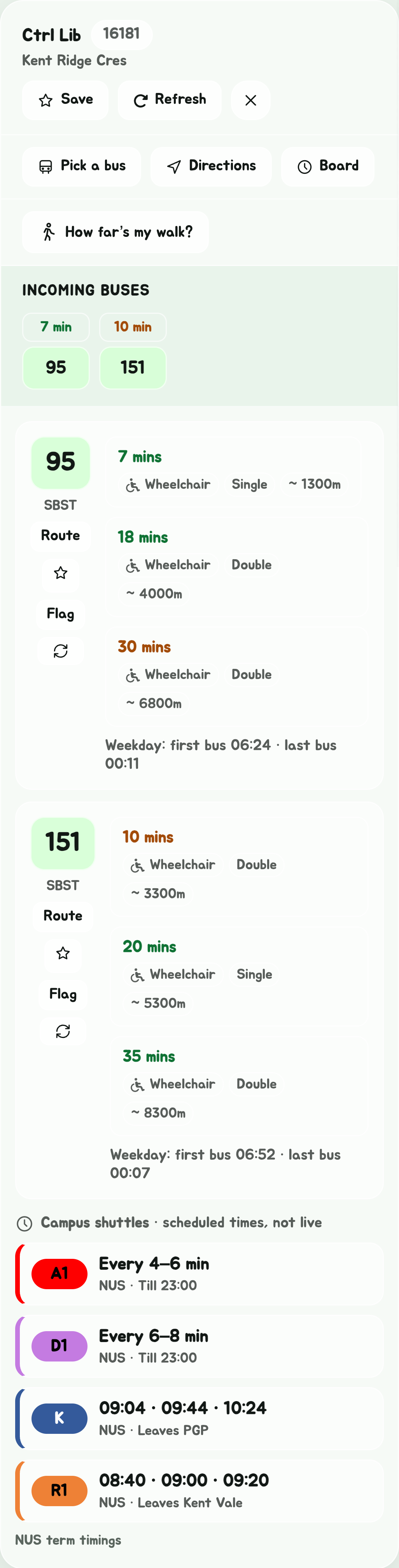
At a stop a shuttle bus calls at, Shuttle buses comes under the live buses, each route in its colour. The shuttles are NUS's and NTU's campus buses and the island's others anyone can ride: IKEA Tampines' from Tampines and Serangoon MRT, Changi Airport's between the terminals and to Tanah Merah Ferry Terminal, KK Women's and Children's Hospital's from Novena and Bugis, the SGH campus shuttles from Outram Park, Mandai's from Khatib, Clarke Quay's late-night shuttles home, Orchid Country Club's from Yishun, and the TS1 coach from Changi Airport to Johor Bahru. The Novotel and Mercure on Stevens' shuttle is there too, marked Hotel guests only.
- Every 4–6 min while it runs at a frequency, with when it stops for the day.
- Its next three departures from where it starts, for a route that keeps to a timetable, such as Leaves PGP.
- No bus till 14:16, First bus 09:07, No more buses today or Not running today, with when the next one is, when it isn't running now.
These are the operators' timetables. Where an operator shows its buses live, as IKEA's and the Stevens hotels' do, the row also says Live: 4 min, the next bus by its tracker. A paid one says its fare, such as S$2.50. NUS's change in the vacation, and the line under the list says whether it's NUS term timings or NUS vacation timings. Public holidays run to Sunday's times. Narrowed to one bus, the list steps aside. On Explorer, the shuttles' routes and their own stops are on the map.
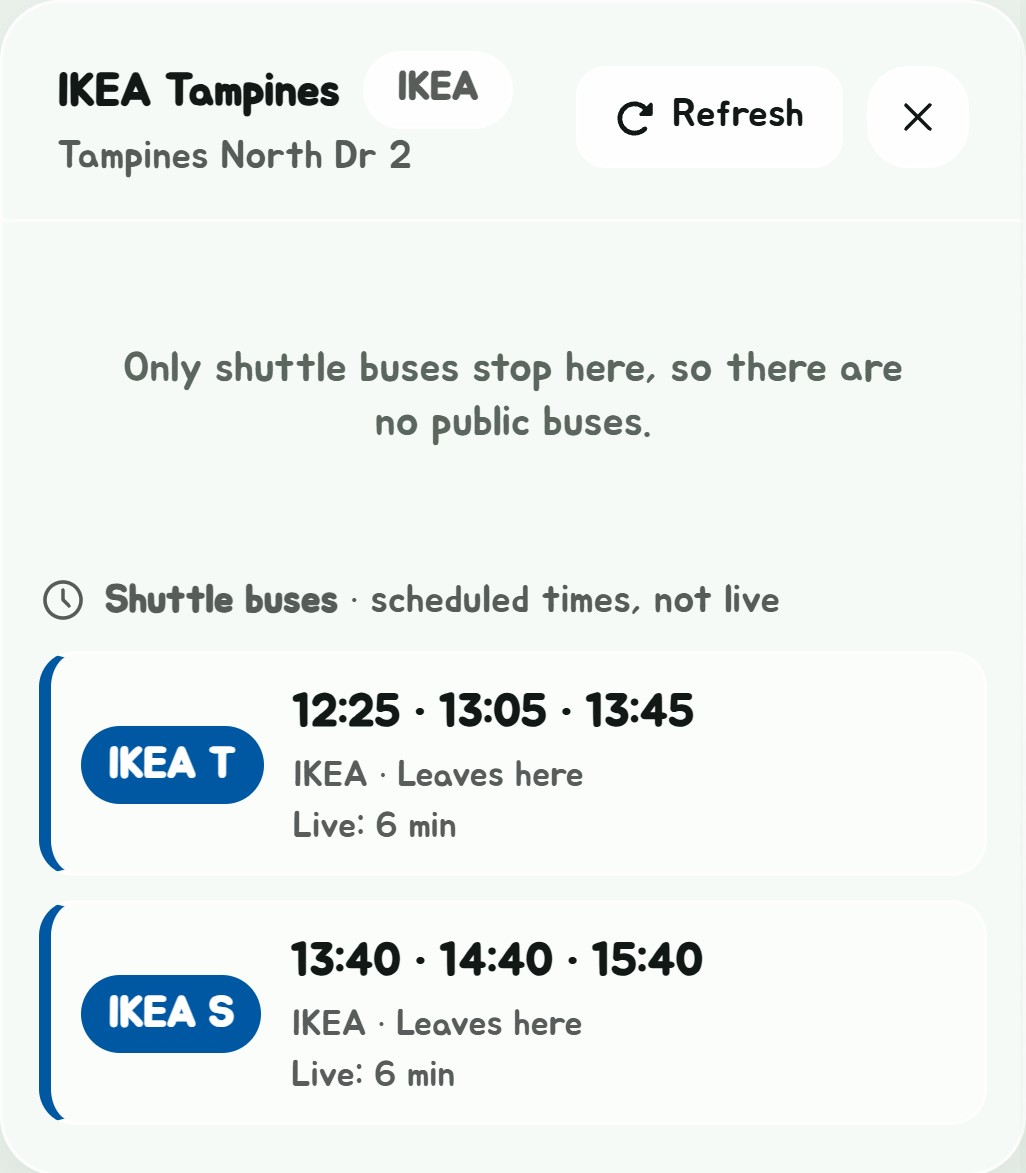
A stop only shuttles use, such as PGP or IKEA Tampines, opens the same way, from the search or from Explorer: its shuttles, and a line saying no public buses stop there.
SGH's campus shuttles
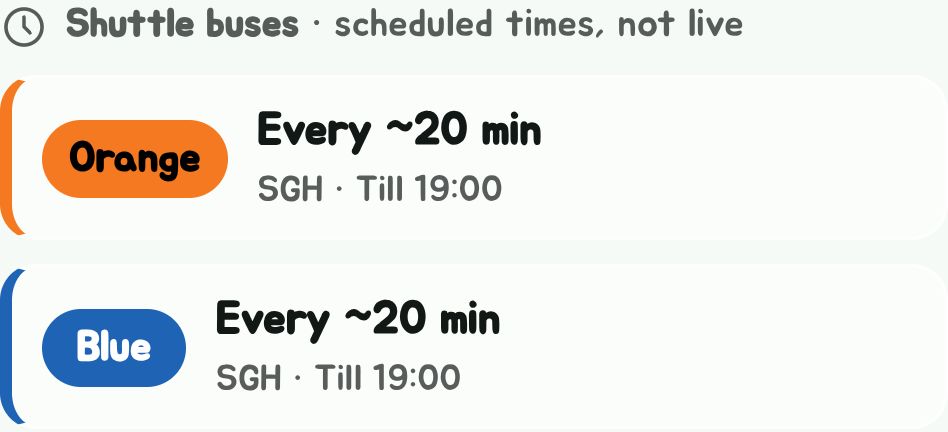
Singapore General Hospital's free shuttles go round its campus at Outram:
- Orange, from Outram Park station's Exit 6 on Eu Tong Sen Street and Exit 7 on Outram Road, to the National Cancer Centre, the Diabetes & Metabolism Centre, the National Eye Centre and SGH Block 3.
- Blue, from the same two stops, to Outram Community Hospital and SingHealth Tower, SGH Emergency and the National Neuroscience Institute, and the National Heart Centre.
- Car Park H, between Outram Community Hospital, the stop opposite SGH Block 7, and Car Park H on Macalister Road.
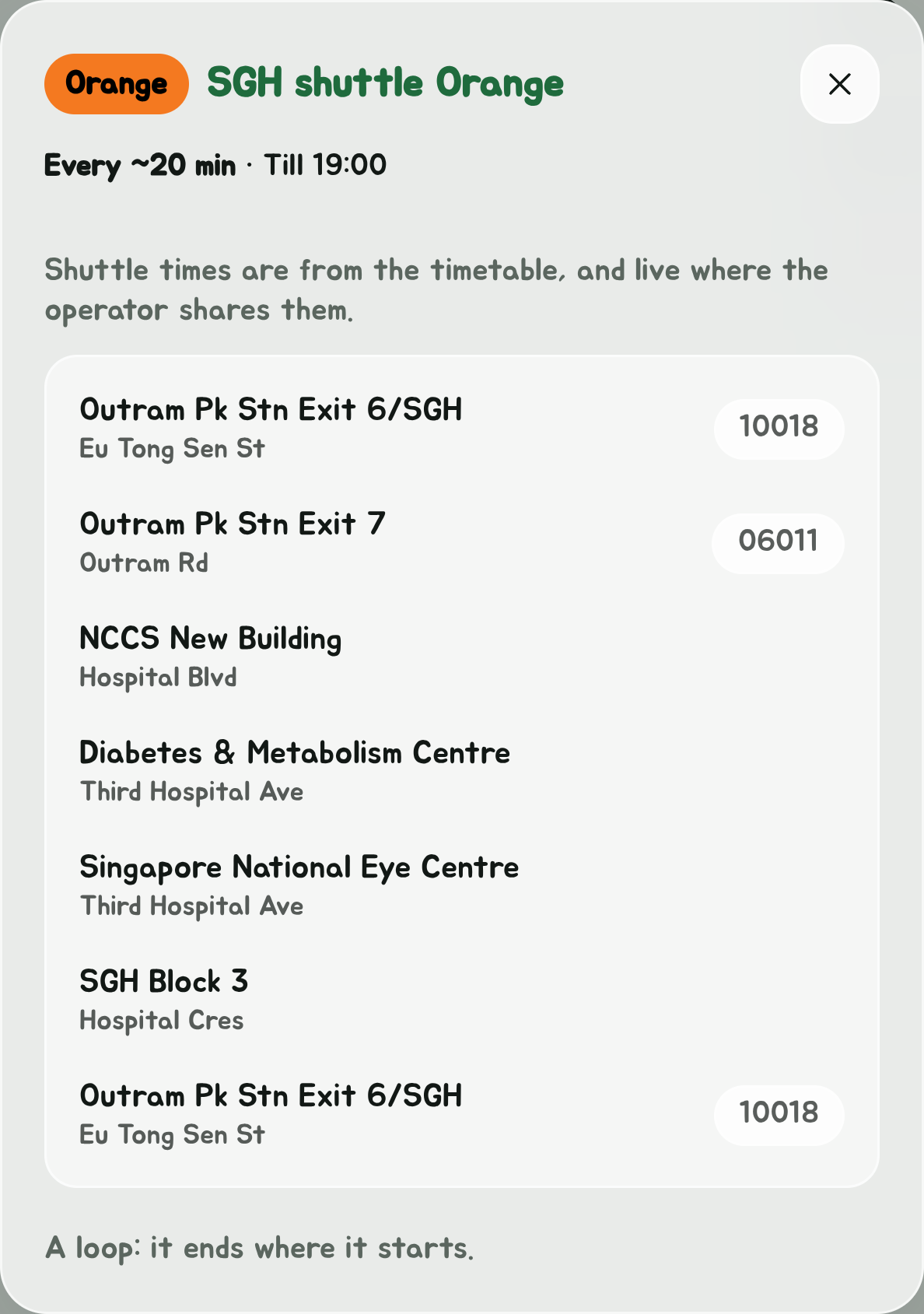
SGH says a bus comes about every 20 minutes, so that's what the list shows. The Orange and Blue run 8am to 7pm on weekdays and 8am to 2pm on Saturdays, and on the day before a public holiday they stop at 2pm too. The Car Park H shuttle runs 6am to 10.20pm on weekdays and 6am to 1.50pm on Saturdays. None of them run on Sundays or public holidays. SGH's live times are only in ComfortDelGro's Comfort Connect app, so they aren't here.
Arriving from a list
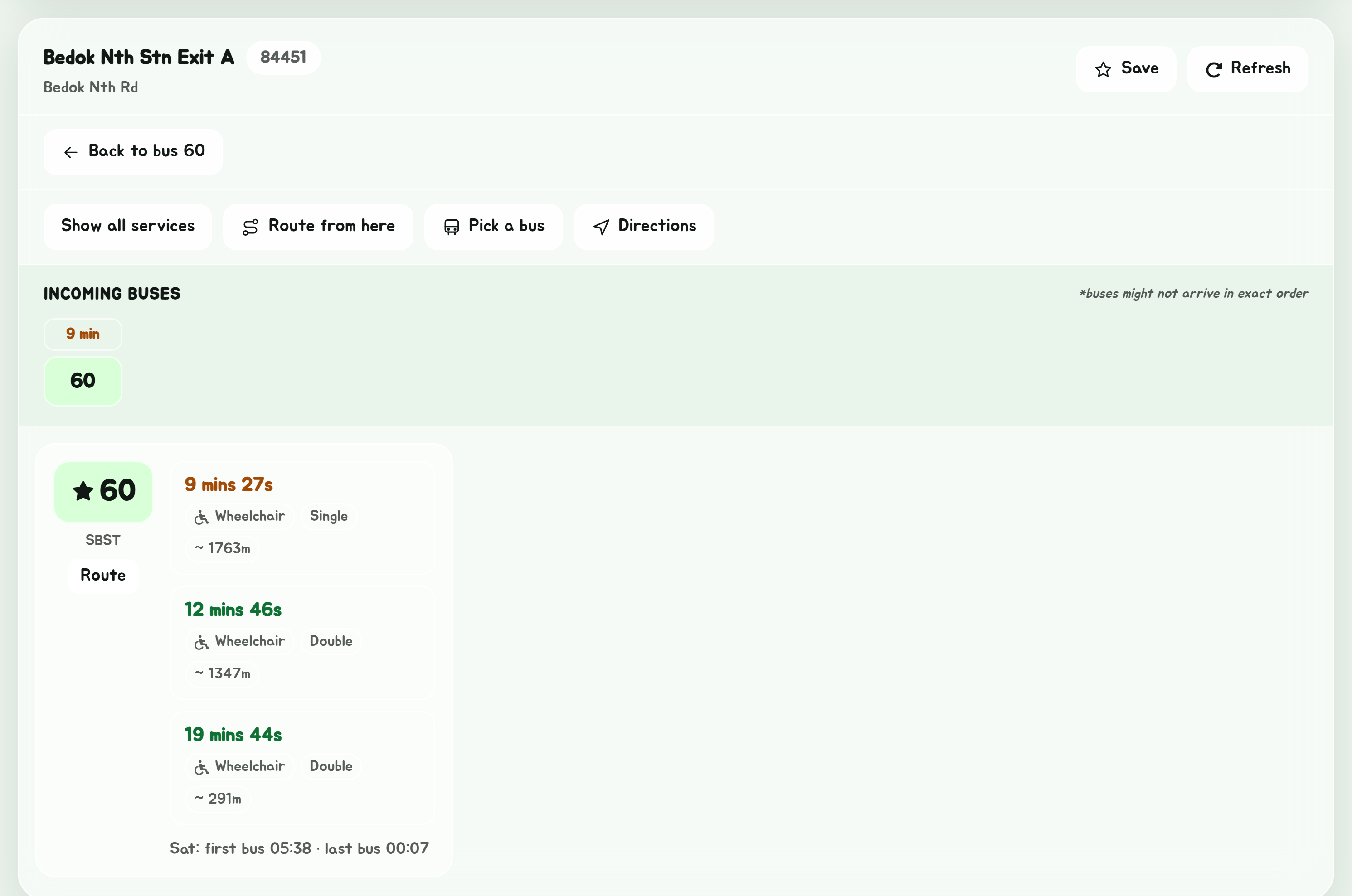
When you open a stop from a bus route, a planned route or journey, or the list of stops near you, the card remembers where you came from:
- A back button, Back to route, Back to journey, Back to bus 22 or Back to nearby stops, takes you back to the list you came from.
- From a route or a journey, a note also says how many stops the bus has left, such as "Bus 22: 14 stops to Tampines Int".
When no buses show
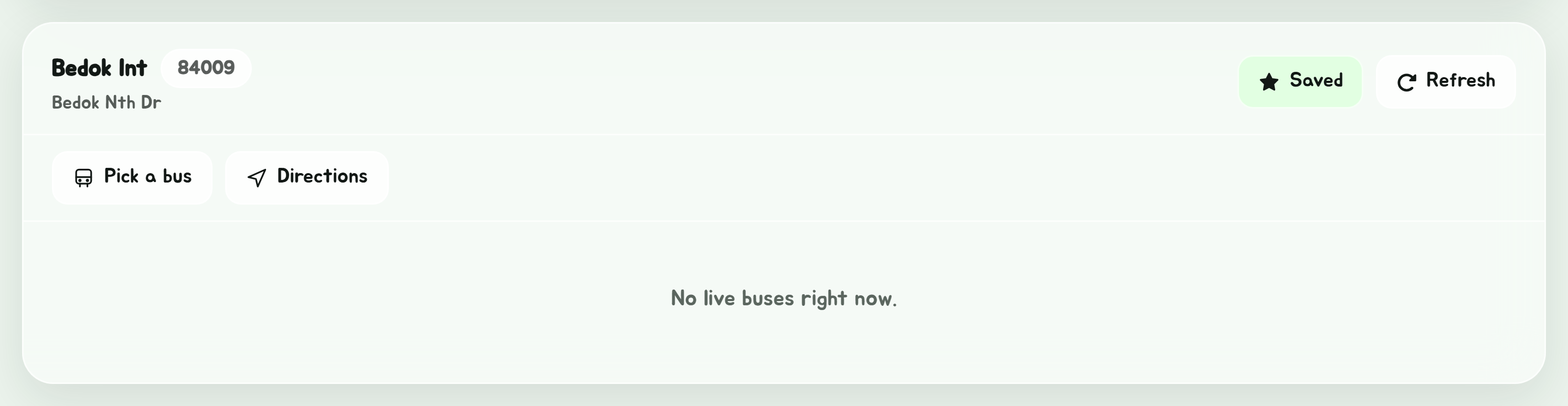
"No live buses right now" means LTA reports nothing on its way to this stop. That is normal late at night and early in the morning. If it happens in the middle of the day, see No timings show up.