
Android app: advanced
Your trips and stats
Every trip taken with the Get Off Alert in the Android app, by the week, with how long you waited and rode, Trip Mix and Trip Modes.
Your trips, the clock with an arrow in the Edge Tray, keeps every trip you take with the Get Off Alert, with your stats under them.
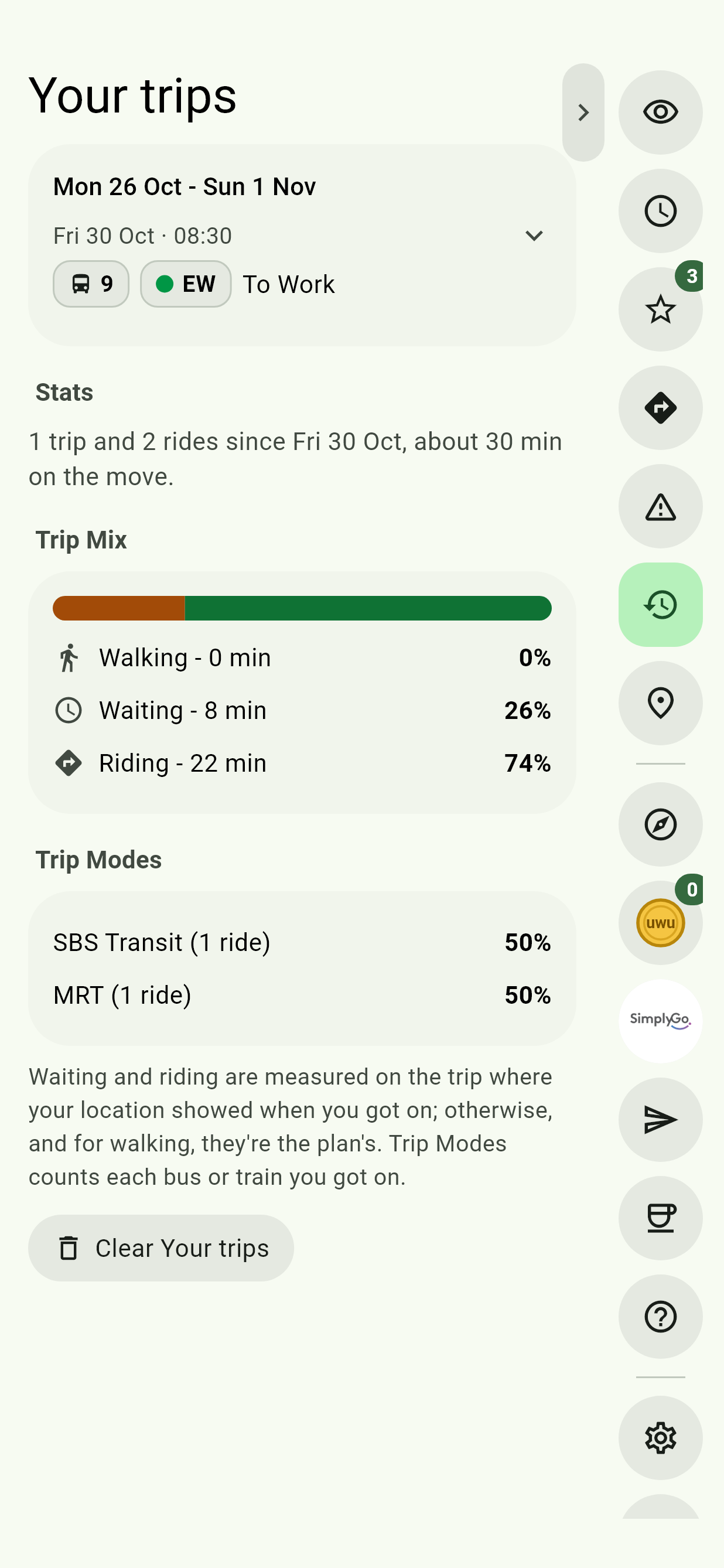
Your trips
Trips are grouped by the week. Each shows when it started, a chip for each bus or train you rode, and where it went. A trip that ended at Home, Work or one of your places says so: To Home. All trips lists every one, and Fewer trips folds them again.
A trip is kept once you've got on at least one bus or train. One you end partway keeps the rides you took, and says so.
A trip's details
Tap a trip to open it. Each ride shows where you got on and off, how long you Waited and Rode; times marked (planned) are the plan's. Walks are always the plan's.
- Plan again opens Navigate with the same two ends.
- Share makes a link to the trip, which opens Navigate with every way there for whoever opens it.
- Delete removes the trip, and it no longer counts in your stats.
Stats
- Stats says how many trips and rides since when, and how long you've been on the move.
- Trip Mix is the share of your time spent walking, waiting and riding.
- Trip Modes is the share of your rides taken with each bus operator, the MRT and the LRT.
Waiting and riding are measured on the trip where your location showed when you got on; otherwise they're the planned times.
Where they're kept
Your trips stay on your phone. Sync can copy them to another device. Clear Your trips, at the bottom, deletes every one, and your stats with them.
To take the page out of the Edge Tray, turn Your trips off in Settings. Trips are still kept with it off.