
404
This page is not in the guide
It may have moved. Search for what you were after, or start from the beginning.
Web app: secrets
Secret features
What the Easter eggs unlock, Your colours and the colour presets they bring.
Your first Easter egg unlocks the secret, Your colours: the whole app in one colour of your own, everywhere, on the website and in every app. Eggs after that unlock nothing more, but most bring a colour preset.
Eggs found in a browser count in the apps too, once you open them: if you've found an egg but Your colours isn't unlocked there yet, a window, A secret for your eggs, says it's just been unlocked.
Material You used to be a secret too. From 5 November 2026 it isn't: it's a feature of the Android app, on by default from 2.4.0, with its switch in Theme. It's the app drawn the way Android's own apps are, in your phone's wallpaper colours. The website doesn't have it. The greeting-and-Settings shortcut that unlocked it is gone too.
Your colours
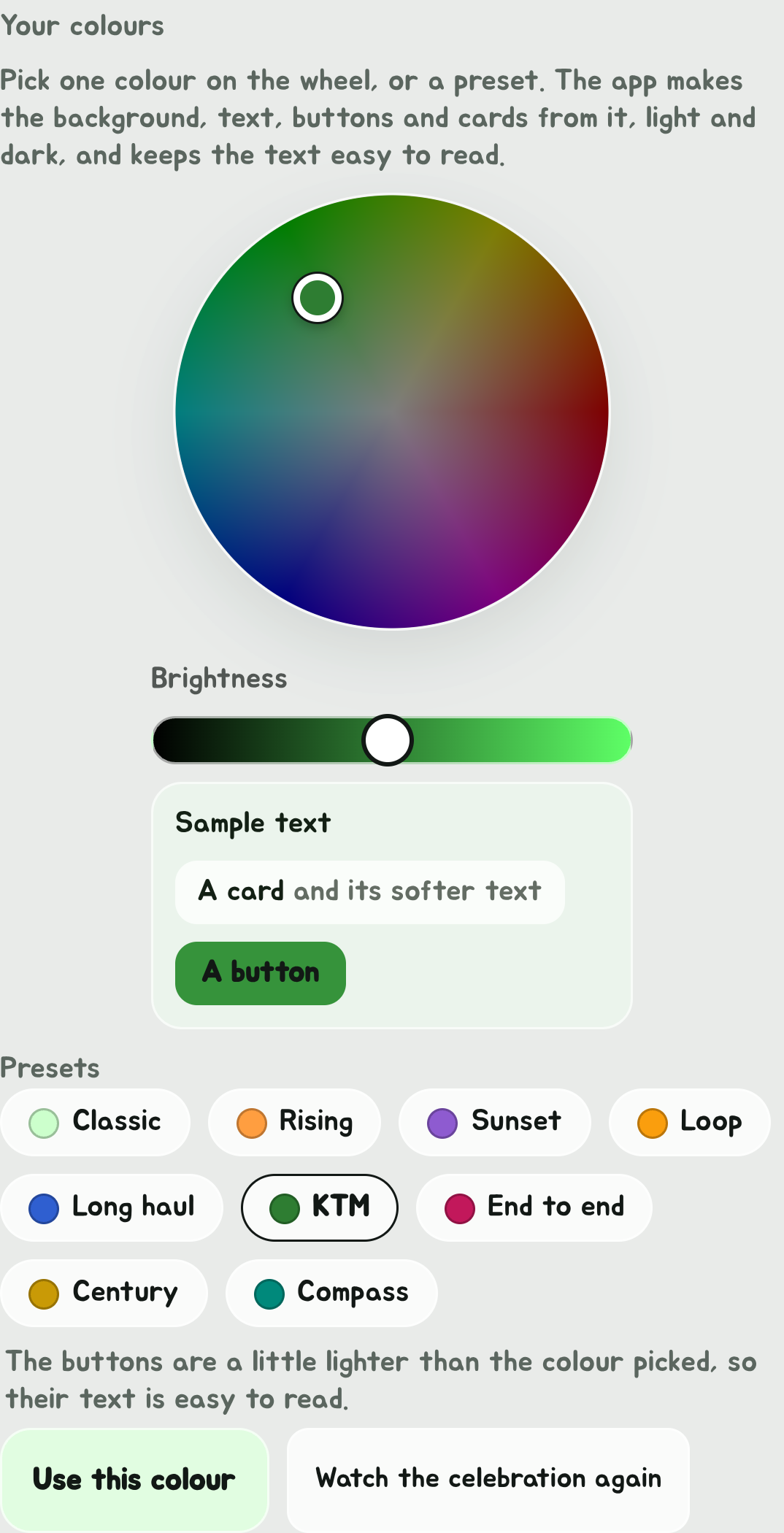
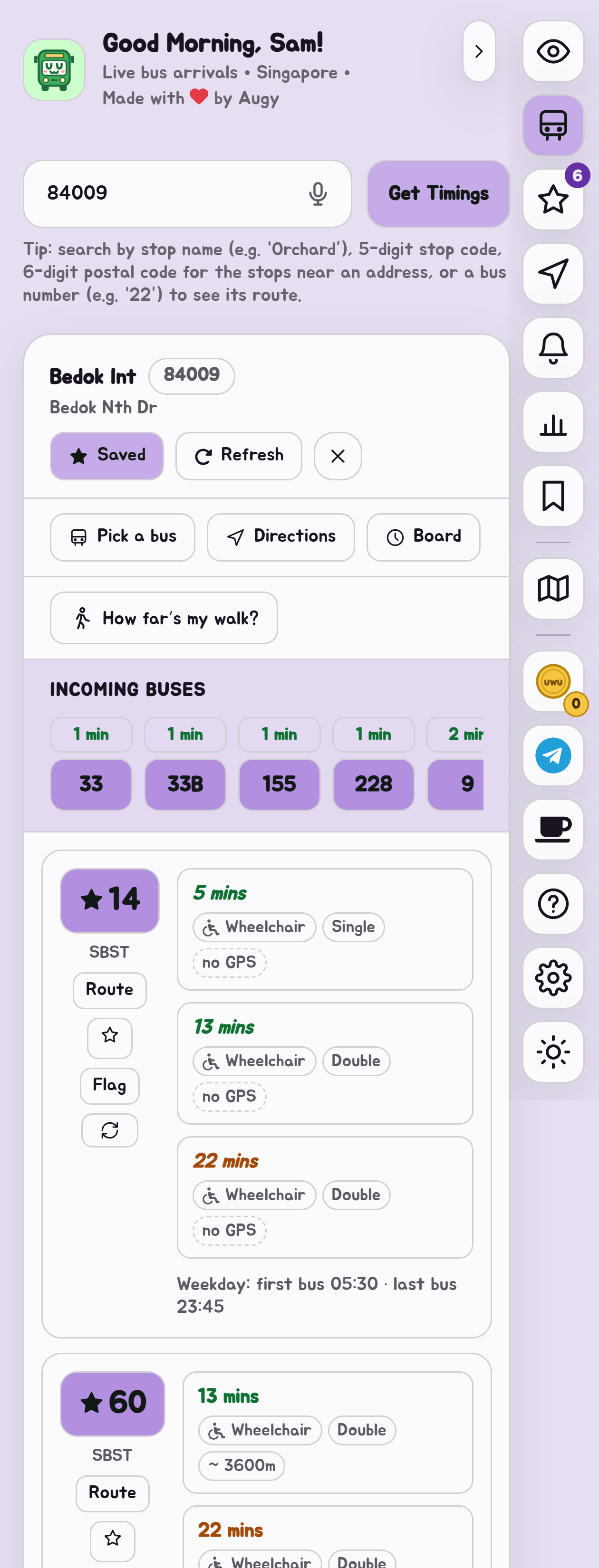
Open the theme picker (the sun or moon button at the bottom of the Edge Tray) and Your colours is under High contrast. Pick one colour, and the app makes the whole theme from it: the background and cards tinted with it, text dark or light on them, buttons in it, and softer text to go with them, for both light and dark mode.
- Drag or tap the colour wheel, and set Brightness with the slider. On a keyboard, focus the wheel: left and right turn the colour, up and down change how strong it is.
- Or tap a preset.
- Watch the preview, then tap Use this colour.
Every pair of colours is kept easy to read, so no colour you pick can make text hard to see. If a button needs to be lighter or darker than the colour you picked for its text to read, the picker says so. Back to the usual colours takes it away again.
The presets
Classic, the app's own green, is always there. Eight eggs bring one more each:
| Easter egg | Preset | Colour |
|---|---|---|
| 12, 34, 56, 78, 90 | Rising | Orange |
| 9, 87, 65, 43, 21 | Sunset | Purple |
| There and back again | Loop | Amber, the Circle Line's |
| The long way round | Long haul | Blue |
| Down the old railway | KTM | Green |
| First to last | End to end | Deep pink |
| 100 rides | Century | Gold |
| Ends of the island | Compass | Teal |
Every line ridden brings no preset. Instead, once you've found its egg and ridden every line too, Watch the celebration again under Your colours plays its 3D celebration whenever you like.
An egg found before Your colours is unlocked keeps its preset for when it is.
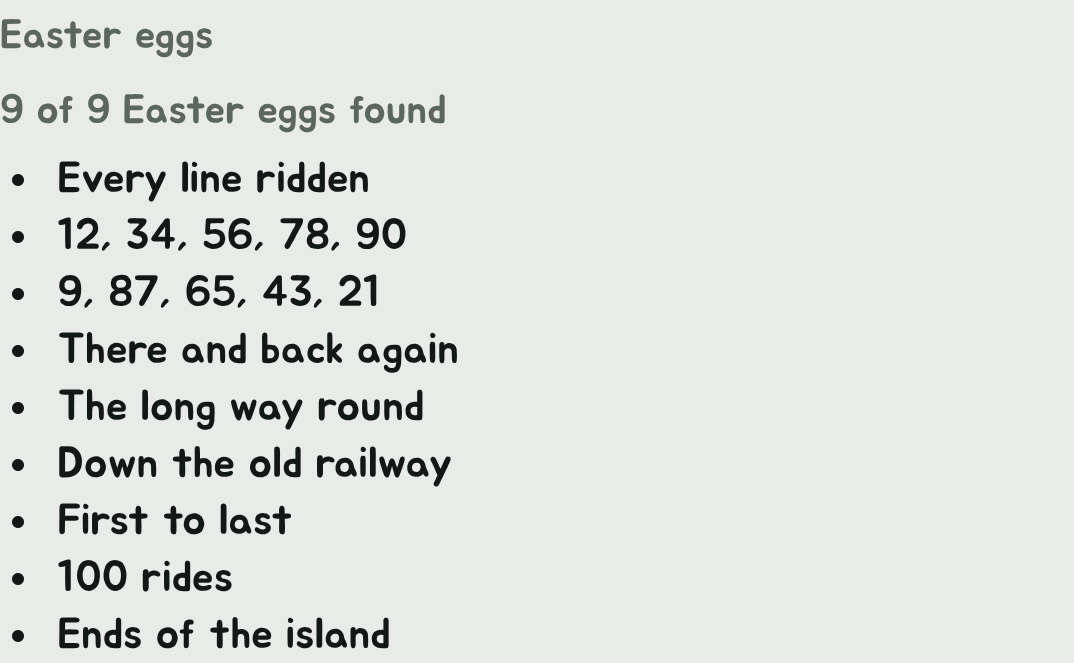
Your eggs in the theme picker
Once you've found an egg, the bottom of the theme picker lists the ones you've found.
Feats, eggs and secrets are kept on each device, as the rides they come from are. They don't move with Sync.