
Web app: advanced
More from a stop
Narrow a stop's timings to one bus, follow that bus on from where you are, and get directions to the stop.
Once a stop's timings are open, the row of buttons under its name does more than show the next buses.
Pick a bus
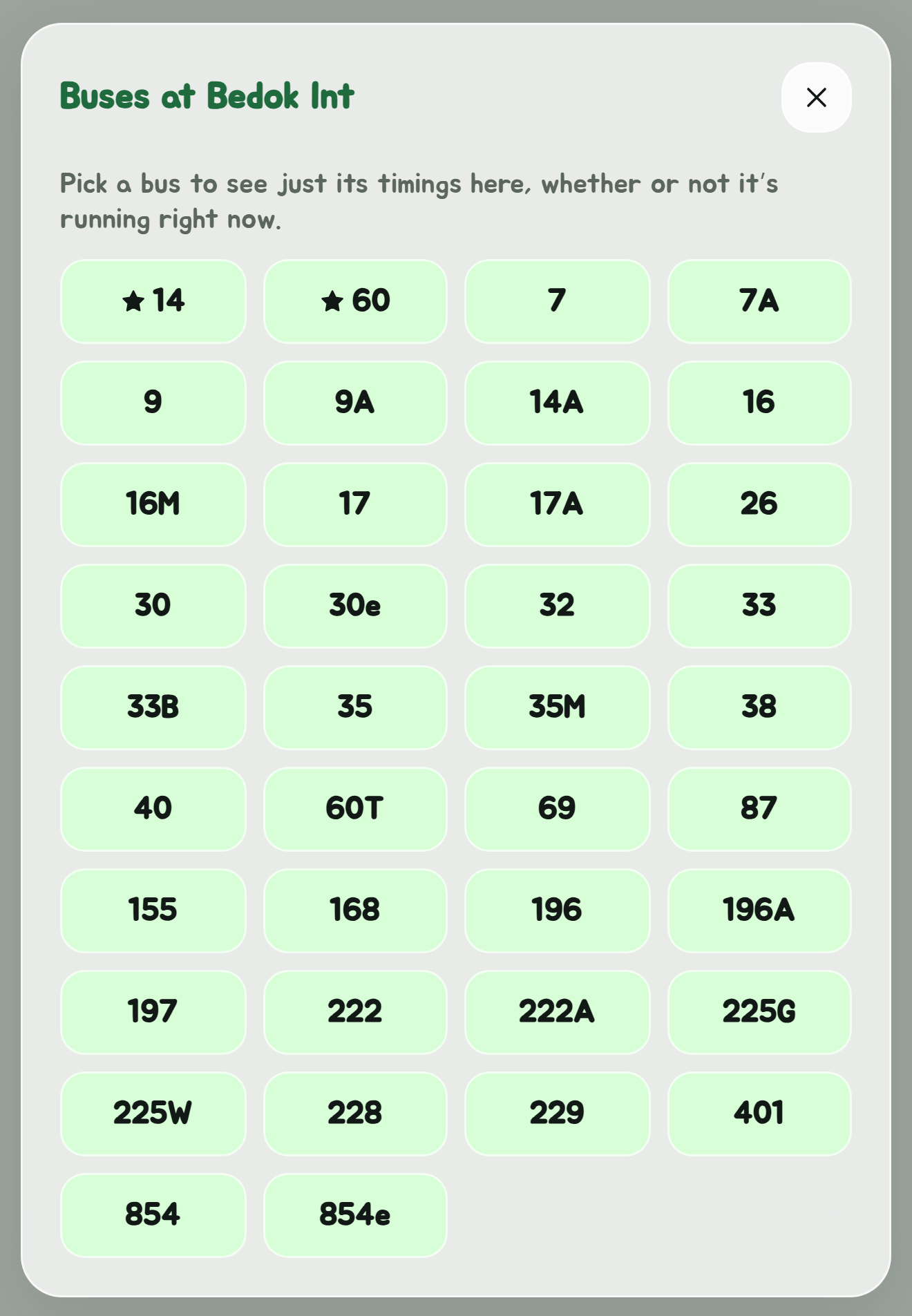
Tap Pick a bus to see a grid of every bus that calls at the stop, with your favourite buses starred. The grid is built from the bus routes rather than from what is running right now, so a bus that is not running, late at night or on a Sunday, is still there to pick.
Pick one and the card shows only that bus. Then:
- Show all services widens the card back out to the whole stop.
- Only bus 174 (with your bus's number) narrows it back down again.
Type the bus number after the stop code in the search box, , to open a stop already narrowed to one bus.
Route from here
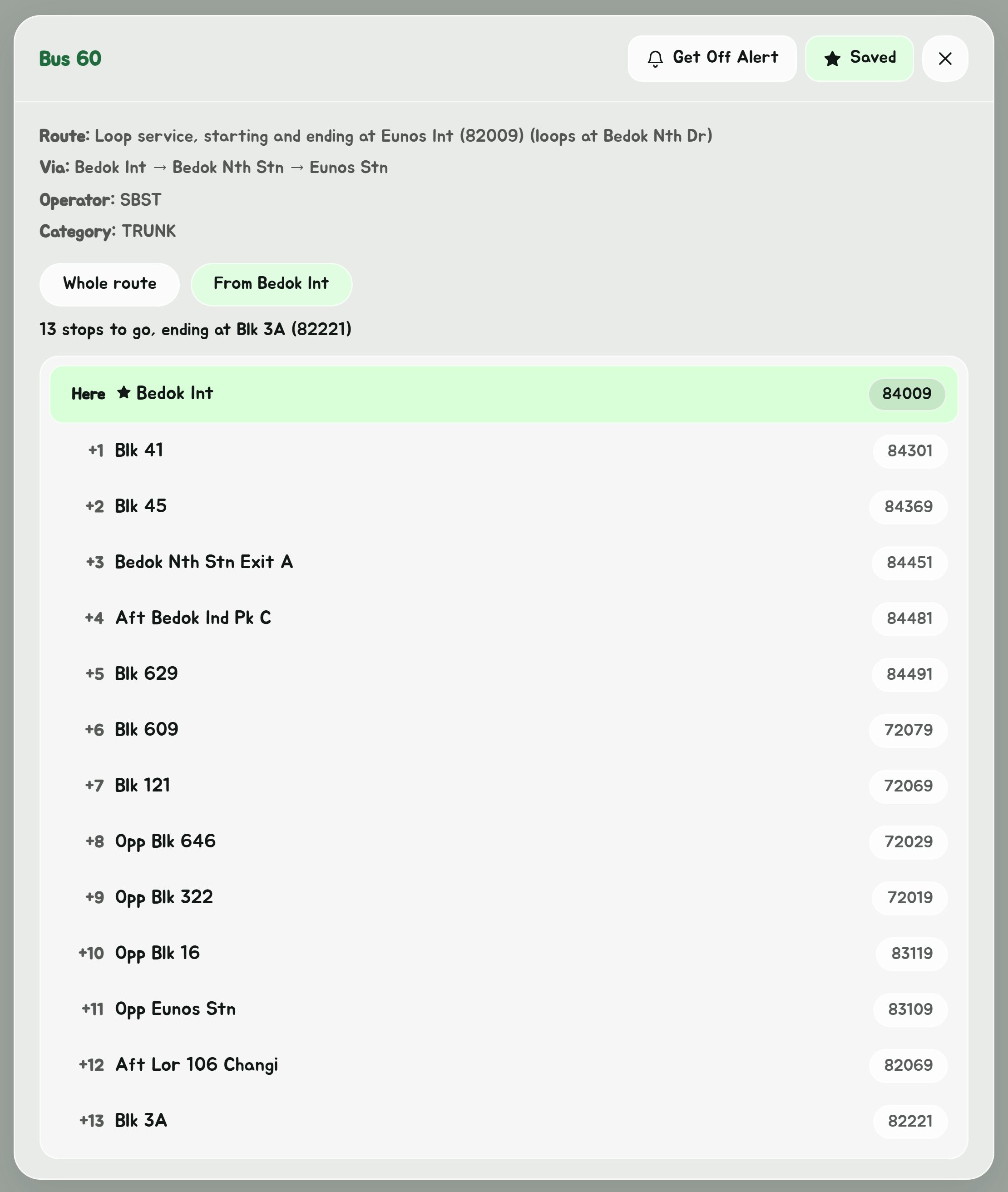
With the card narrowed to one bus, Route from here lists the stops that bus still calls at after this one, through to the end of its route. Tap any of them to see its timings for the same bus. It is the same list as the From this stop tab on a bus's route.
Directions to the stop
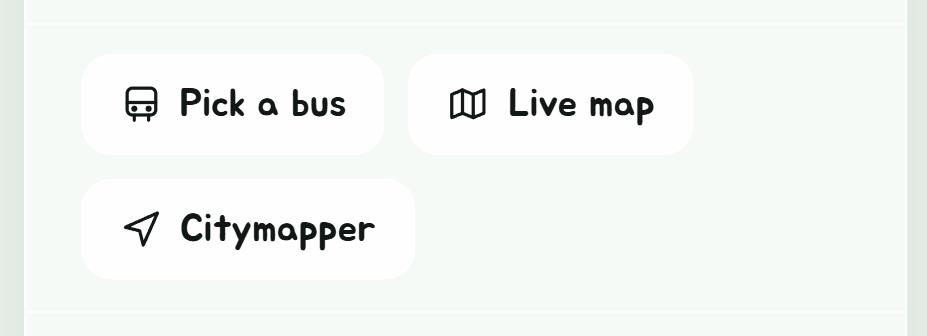
Tap Directions and it opens into two buttons, Live map and Citymapper. Live map walks you to the stop on the live map, turn by turn from where you are. Citymapper opens the way there in Citymapper's app or website.