
Android app: advanced
Card value
Read an EZ-Link or NETS FlashPay card's value, expiry and recent rides by holding it to your phone.
On a phone with NFC, the app reads an EZ-Link or NETS FlashPay card.
Read a card
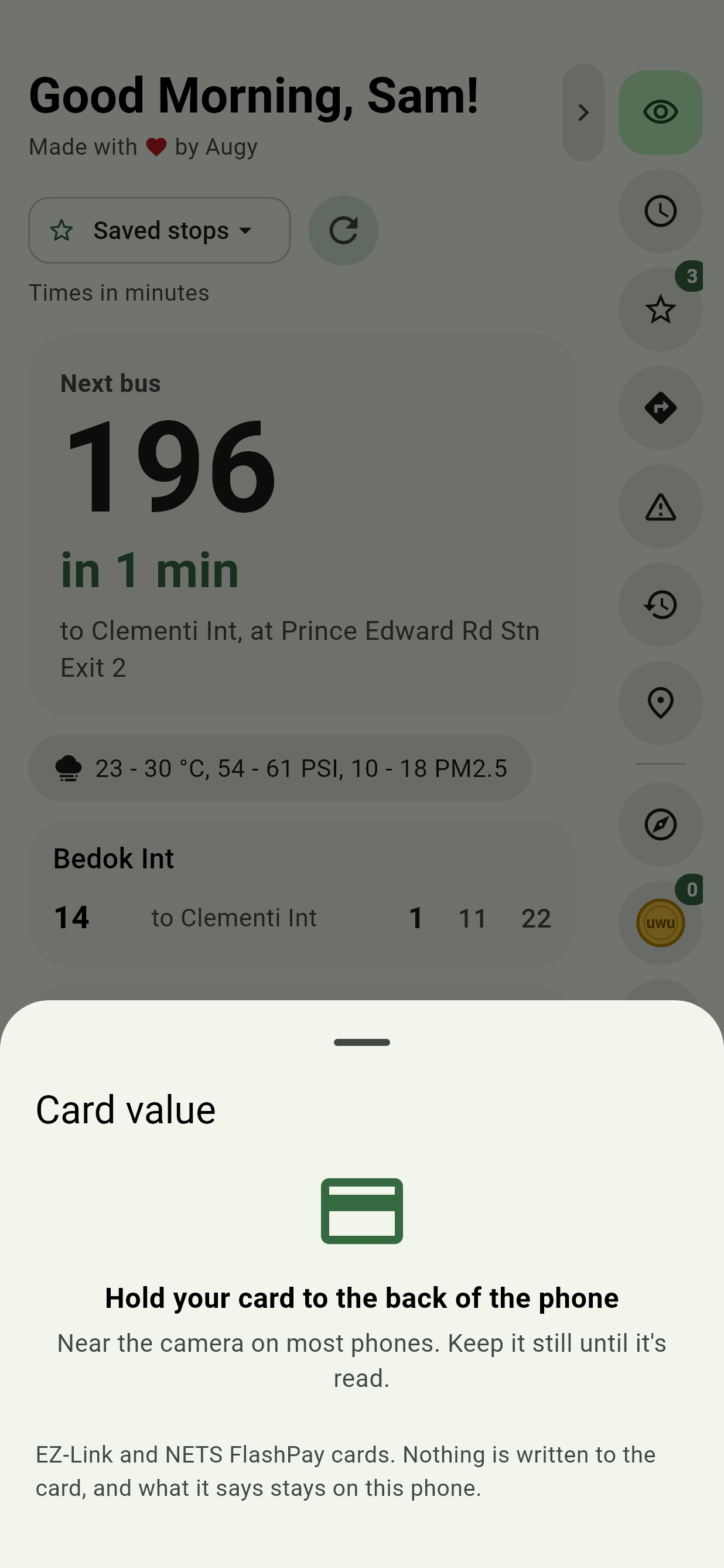
- Tap Card value, the card in the Edge Tray, or long-press the app's icon and pick Card value. You can also just hold the card to the phone: Android offers SG Bus Timings for it, even with the app closed, and the value opens straight away.
- Hold the card flat against the back of the phone, near the camera on most phones. The moment the phone finds it, the app says Reading your card…: keep holding. It takes about a second. When it's done, the phone buzzes twice and the app says Done: you can take your card away.
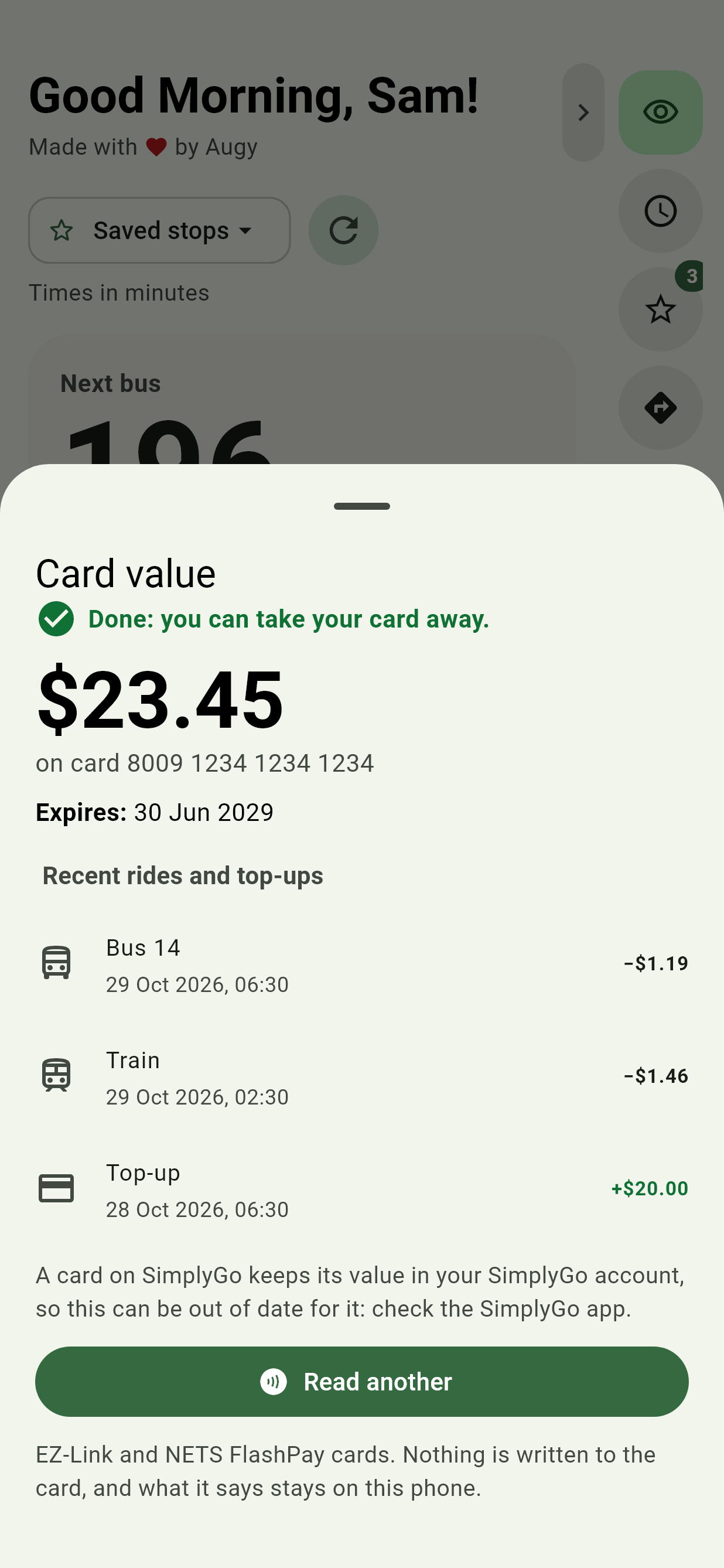
It shows the value, when the card expires, its auto top-up if it has one turned on, and Recent rides and top-ups: the last rides the card remembers, with each fare and when. It warns when the value is under $3. Read another reads the next card. If NFC is off, Turn on NFC opens its setting.
Good to know
Nothing is written to the card, and what it says stays on your phone. Bank cards, phones and watches have no stored value to read. A card on SimplyGo's account-based ticketing keeps its value in your SimplyGo account instead, so for those the card can show an old figure: check the SimplyGo app.
If a card's value can't be read, open Card data, tap Copy and send it to us: it doesn't include your card's number.