
Web app: basics
Find a bus stop
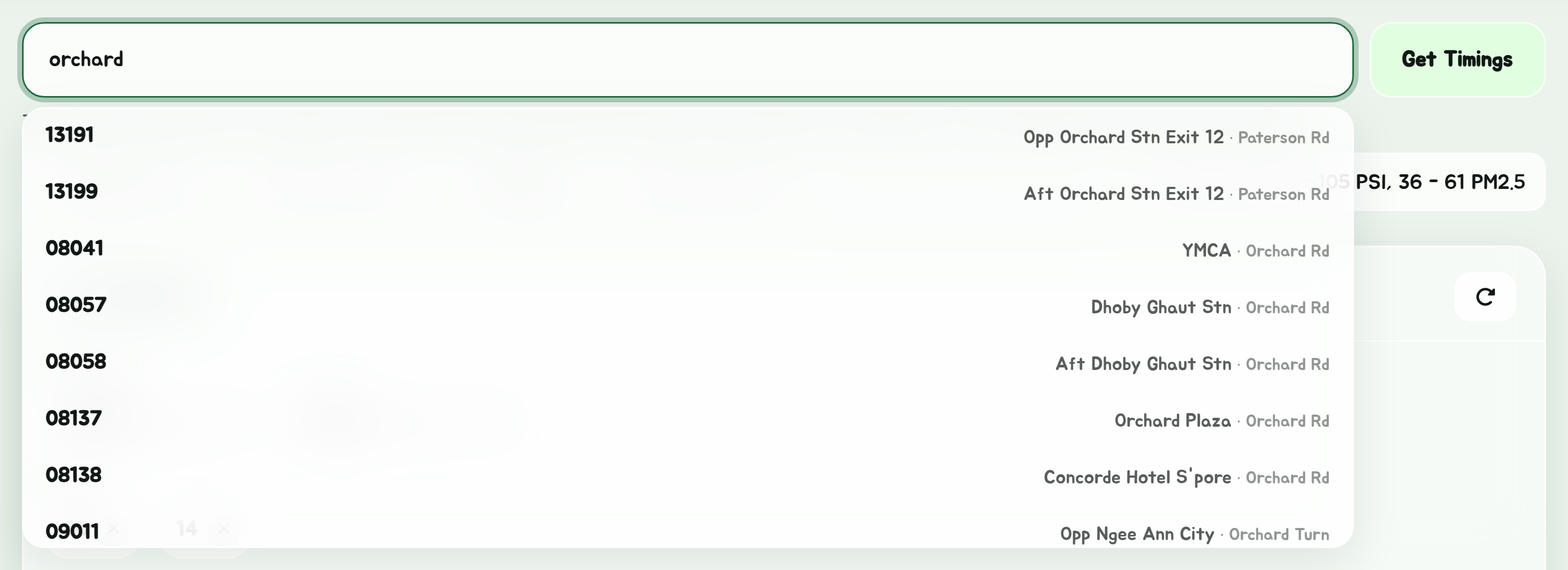
Search by stop name, road, stop code, bus number or postal code, or let the app find the stops near you.
Everything starts with the search box at the top of the app. Type, pick a suggestion, and the stop's timings open underneath.
What you can type
| Type this | Example | What happens |
|---|---|---|
| A stop's name | , | Lists the matching stops to pick from |
| A road | Lists the stops along it | |
| A stop's name and its road | Lists the Blk 109s on a road with Bedok in its name | |
| A 5-digit stop code | Opens that stop straight away | |
| A stop code and a bus | Opens that stop narrowed to bus 174 | |
| A stop code and some buses | , | Opens that stop narrowed to those buses |
| A bus number | , , | Opens that bus's route |
| A 6-digit postal code | Lists the 8 stops nearest that address | |
| An MRT or LRT station | , | Lists the stops at its exits |
| A shuttle bus route | , , | Opens that shuttle's route |
| A shuttle bus stop | , | Opens its shuttle times |
As you type, a list drops down with matching buses first, then up to 20 matching stops. Tap one to open it, or press Enter or tap Get Timings to open the best match.
Several words
Words can come in any order, and from the stop's name or its road, so and both find Blk 109 on Bedok Nth Rd and on Bedok Nth Ave 3, out of every Blk 109 in Singapore. Each word matches the start of a word, and whole words other than the last, which you may still be typing, so doesn't find Blk 1090. Stops matching what you typed exactly, in one piece, still come first.
Shortened names
LTA shortens a lot of words in stop and road names: Bt for Bukit, W'lands for Woodlands, Opp for Opposite, Ctr and Ctrl for Centre and Central. Type either the full word or the short one and the search finds both, so finds Bt Batok Int and finds Opp Blk 10. When some of the stops were only found that way, a line above them says so, such as Also searched Bt for Bukit.
MRT and LRT stations
LTA names the stops at a station "Bedok Stn", or after a block or a road, never "MRT". Type the station with MRT, LRT or station after it, such as , or , and the list is the stops within about 250 m of its exits, nearest first, with how far each one is. Enter opens them as a list to pick from.
The stop code is printed on the pole at every bus stop, and never changes. Once you know the code of a stop you use often, typing it is the quickest way in. Better still, save it as a favourite.
Shuttle buses
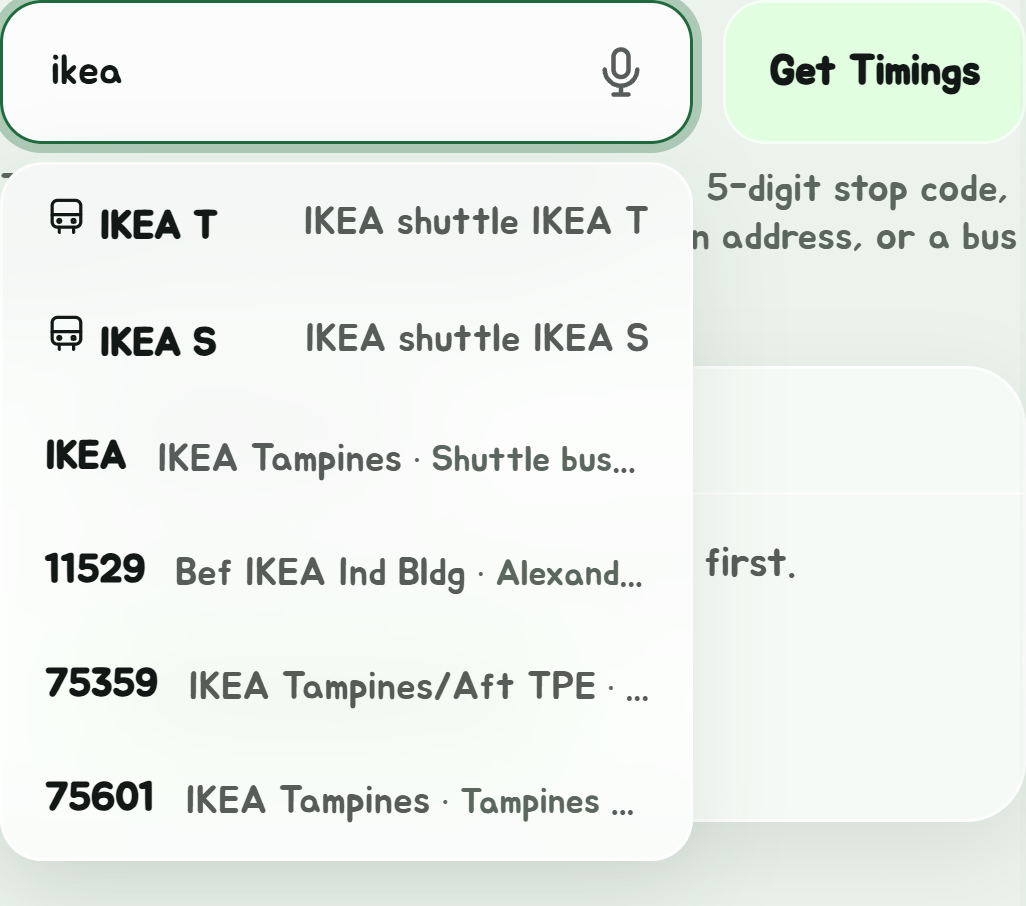
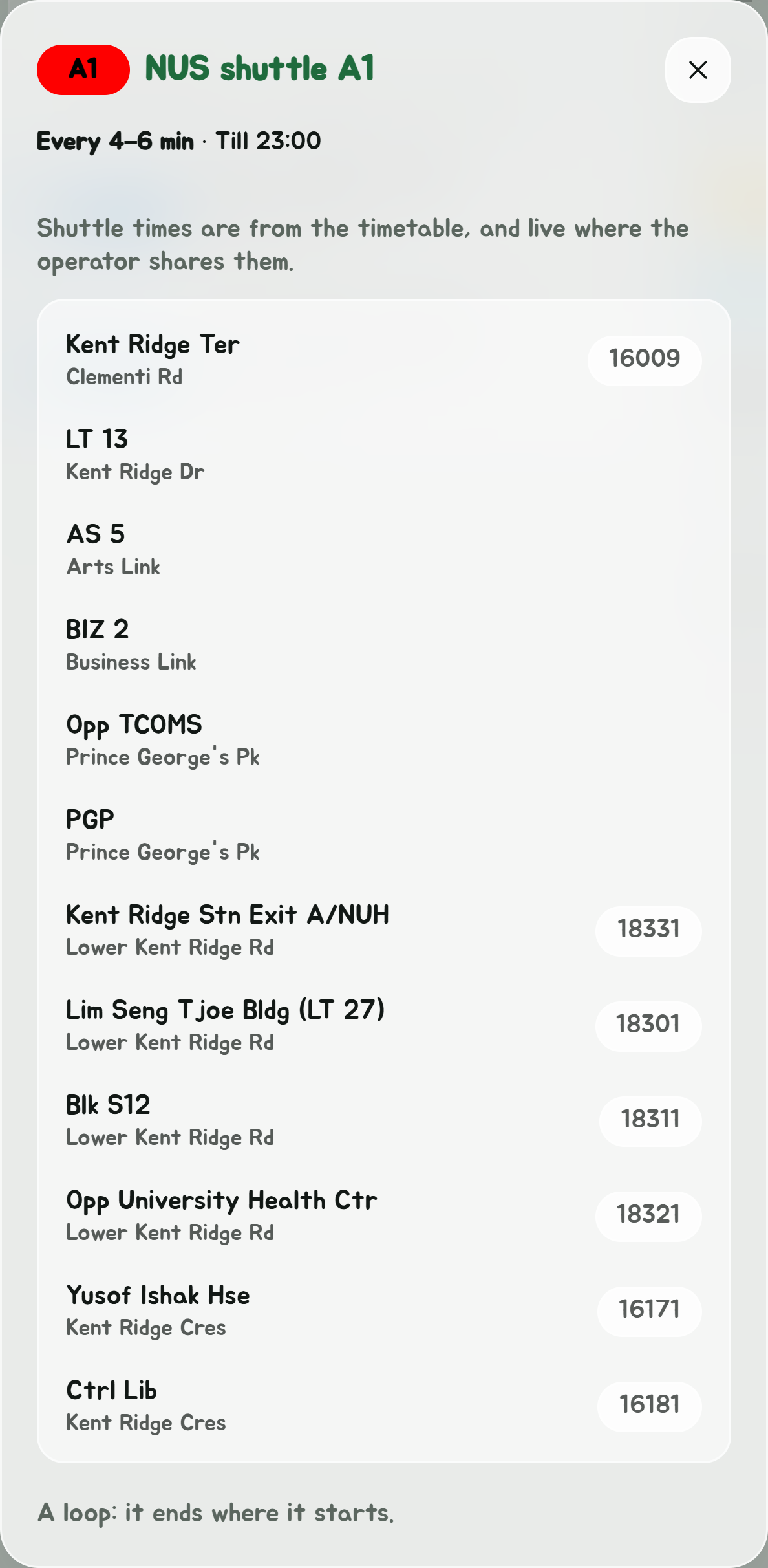
Shuttle buses come up as you type too: a route by its code, such as for NUS's or for NTU's, and a stop only shuttles use by its name, such as or . A stop opens with its shuttle times. A route opens in a window of its own: what its timetable says now, and its stops in order. Tap a stop for its times.
Say it, or scan it

Hands full? The microphone in the search box searches by voice: say a stop's name, its code ("eight four zero zero nine") or a bus ("bus twenty-two"). It's there in the Android app, and in browsers that can listen, such as Chrome, which asks to use the microphone.
In the Android app, the camera beside it reads the code off a stop's pole: point it at the 5-digit number and the stop opens.
Stops near me
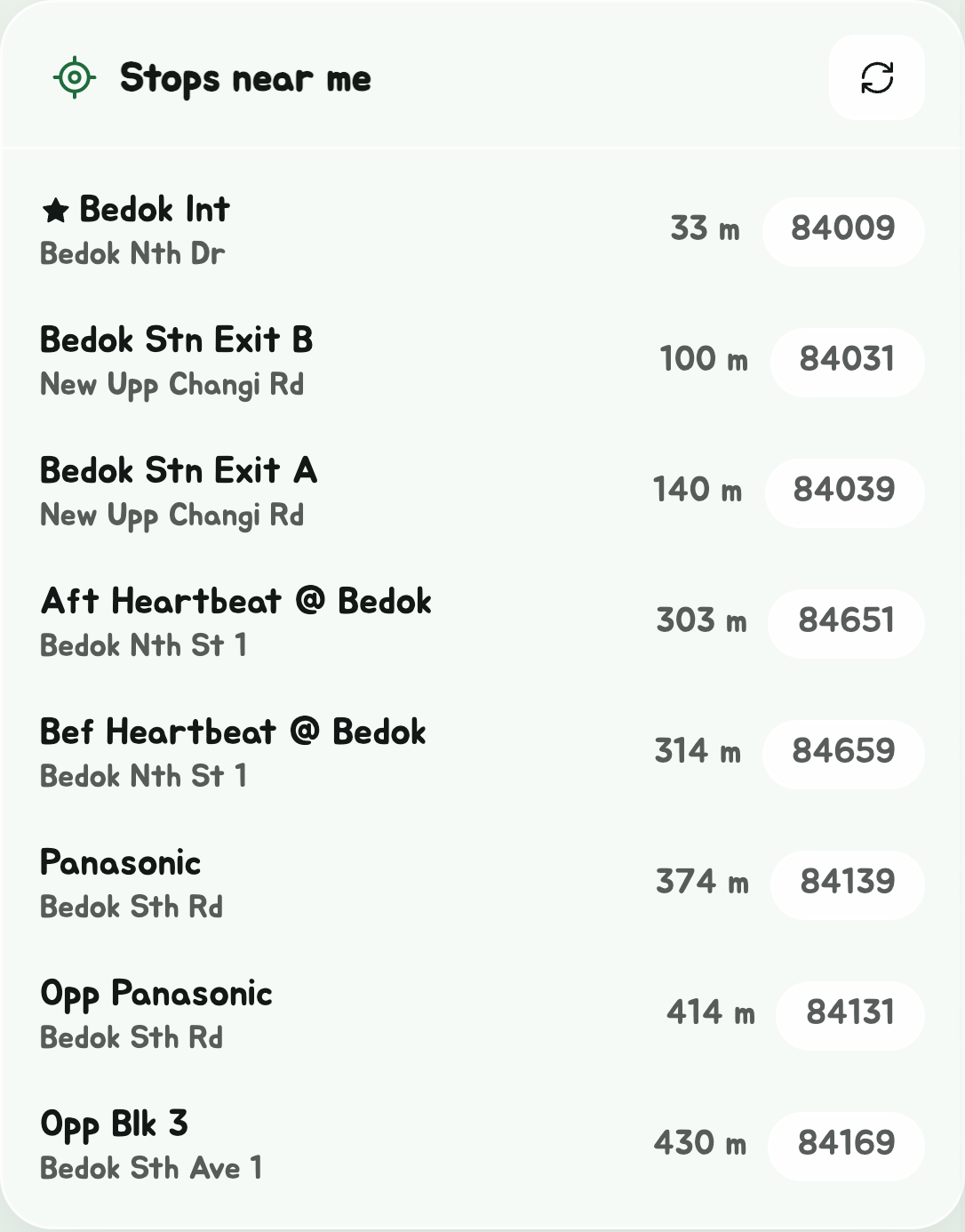
Stops near me is a card on Bus timings, under the search box, while no stop's timings are open. It lists the 8 nearest stops, each with how far away it is. Tap one for its timings in the card's place; Back to nearby stops at their top brings the list back.
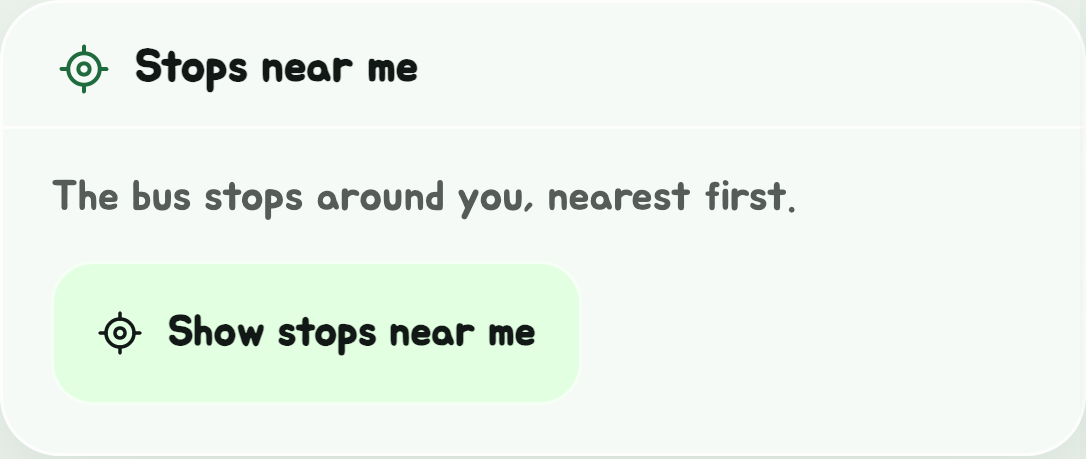
The first time, tap Show stops near me: your browser asks whether the app may use your location; allow it. After that, the card finds the stops round you by itself each time you open Bus timings. The refresh button at its top right looks again, after you've moved.
Your location is only used in your browser to measure the distance to each stop. It is not sent anywhere. If nothing happens, see Location does not work.
Stops near an address
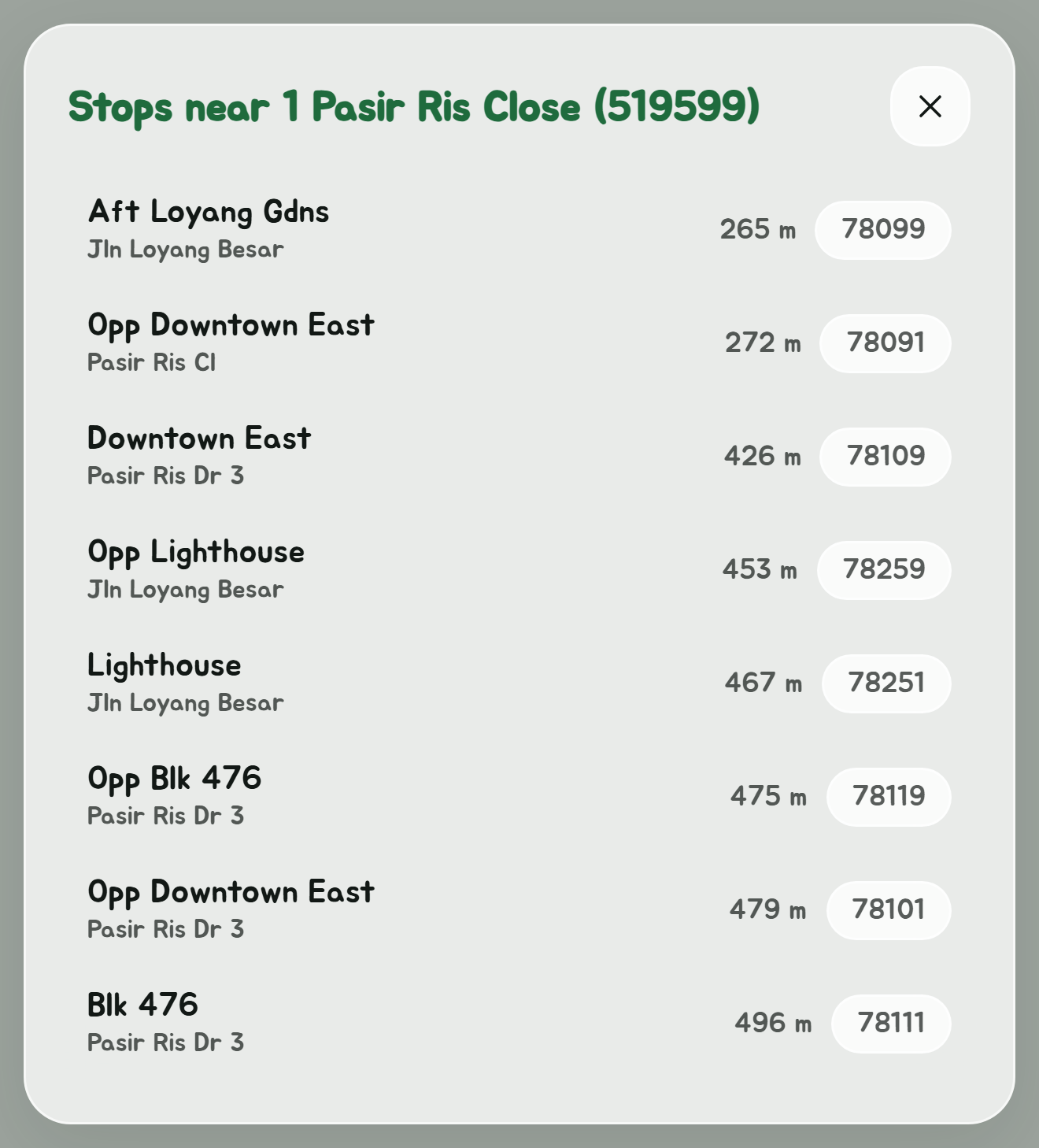
Type a 6-digit Singapore postal code, such as , into the search box. The app looks the address up with OneMap, Singapore's official map, and lists the 8 stops nearest it, titled with the address it found. This works in the route planner's Start and End boxes too, for planning a trip from somewhere you are not; see Navigate by bus only.
Narrow a stop to one bus
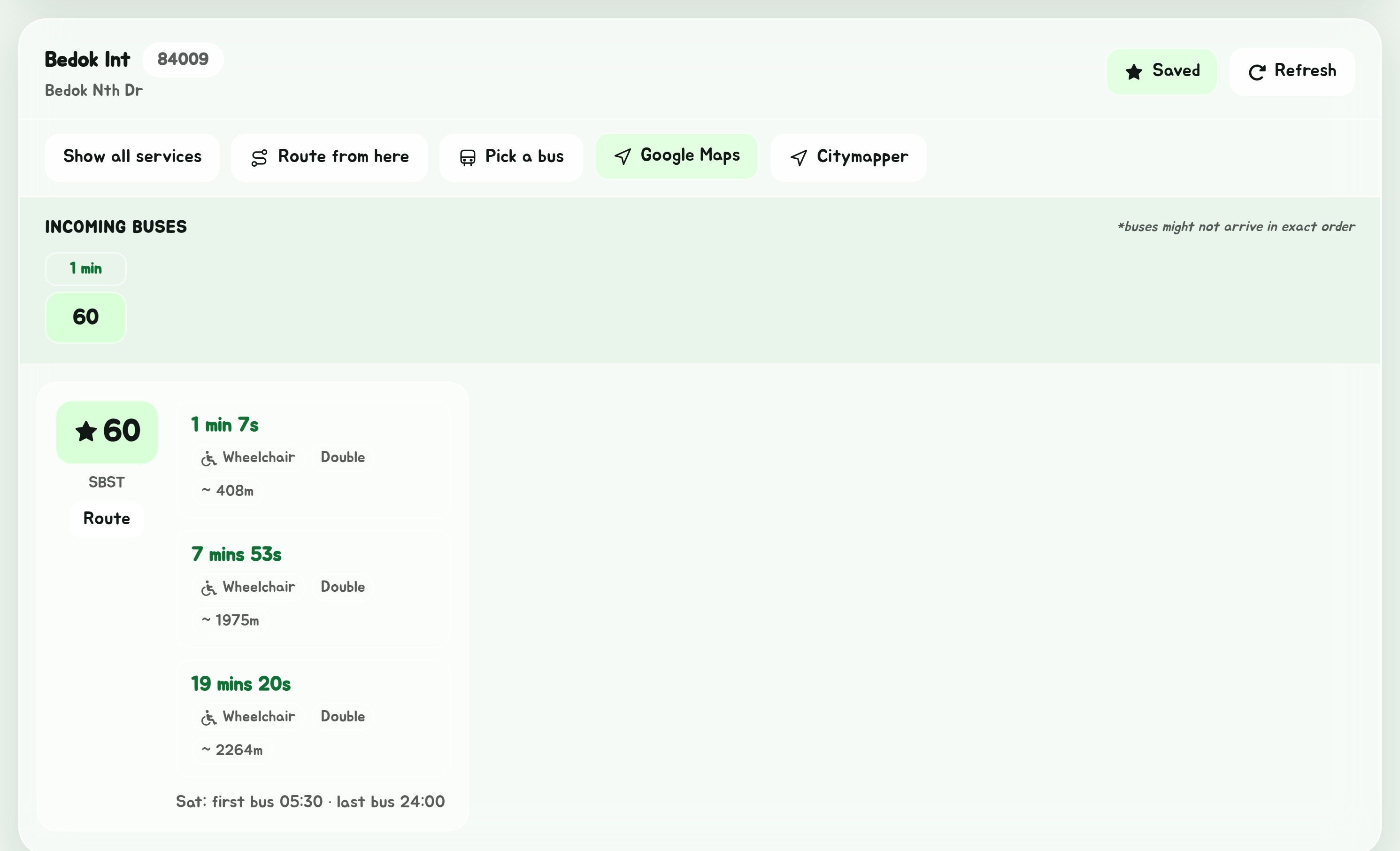
Add a bus number after the stop code, with a space: . The timings show only that bus. You can also do this after opening a stop, with Pick a bus; see More from a stop.
A few buses at once
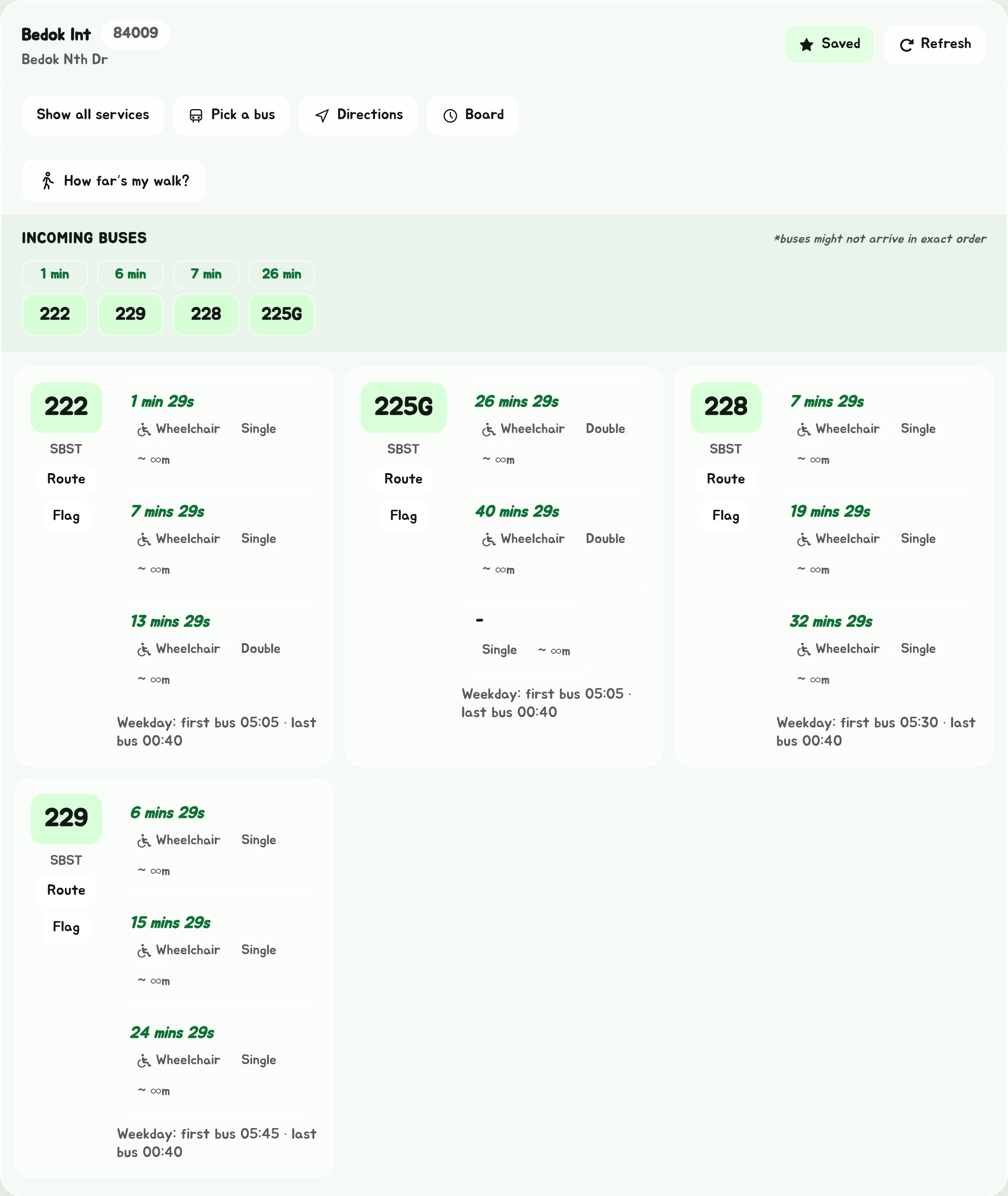
For a few buses, list them with commas or spaces: . A star after a number takes every bus starting with it, so at Bedok Int shows 222, 225G, 228, 229 and the rest of the 22s, and just 222 and 222A. Route from here is there only when it's one bus.