
Web app: basics
Settings and themes
Set your name and birthday, choose where favourites pin, and pick a colour and light or dark mode.
Settings
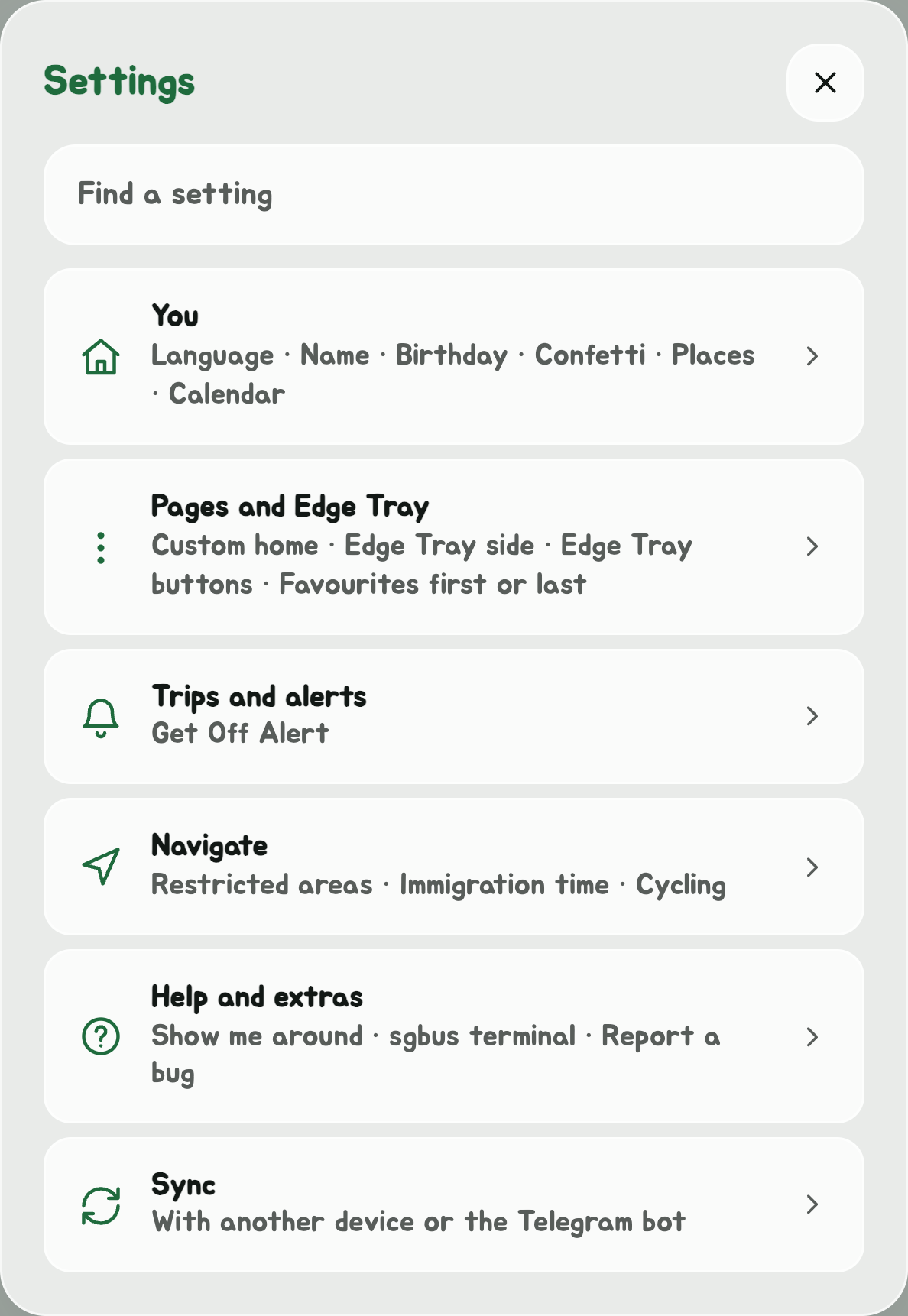
Open Settings with the gear in the Edge Tray, or by tapping the app's title. It opens on its groups: You, Pages and Edge Tray, Trips and alerts, Navigate, Help and extras and Sync. Tap one to open it, and the back arrow at the top for the groups again. Or type in Find a setting to go straight to one.
| Setting | What it does |
|---|---|
| Language | Opens Choose a language: English, 中文 (Chinese), Bahasa Melayu or தமிழ் (Tamil), each with a flag, and a tick on the one in use. Until you pick one, the app uses your phone's language if it's one of these, or English. Picking one opens the app again in it. Some parts, such as the live map and the share cards, are still in English. In the Android app, it's also the app's language in Android's own settings, and changes with it. In Chinese, Malay or Tamil, Tell us under the list emails Augy about a translation that looks wrong. |
| Your name, for the greeting | The greeting at the top greets you by name: "Good Morning, Sam!" Leave it blank for no name. |
| Birthday | On the day, the greeting becomes "Happy 28th Birthday, Sam!", on two lines so your whole name shows. The age comes from the year you were born. Clear removes it. |
| Birthday confetti | On (the default) or Off: confetti each time you open the app on your birthday. |
| Home, Work and your places | Open Places opens Places, where Home, Work and your other places are set. |
| Calendar | Calendar settings links your calendar: see Calendar. |
| sgbus terminal | Open the sgbus terminal opens the Linux app's prompt, full screen: see The sgbus terminal. |
| Report a bug | In Help and extras: tell Augy what went wrong, and it reaches him on Telegram. See Report a bug. |
| uwuCoins | In Help and extras: your coins and the wheel to spin them on. See uwuCoins. |
| Achievements | The feats, each with how far along you are, and the Easter eggs found. See uwuCoins. |
| Show me around | A button for each page's tour, to see it again as it shows the first time that page opens. |
| Next bus at a glance | On (the default) or Off: the Glance page, with the next bus in big letters and your stops' buses. Off takes it out of the Edge Tray, and the app opens on Bus timings. See Your main screen. |
| Custom home | The page the app opens on, first in the Edge Tray: Glance (the default), Bus timings, Favourites, Navigate, Service alerts, Your trips or Places. See Your main screen. |
| Pin favourite buses in timings | Top or Bottom of a stop's timings. |
| Bus times | Minutes and seconds (the default), how long till each bus comes, such as 3 mins 20s; or Clock time, the time it comes, such as 14:32. A stop's timings, the incoming buses bar, Glance, the departures board, Navigate, the route planner and the desktop app's widgets all follow it. It syncs with the Telegram bot. |
| Get Off Alert on a trip | On (the default) or Off: see Get Off Alert. |
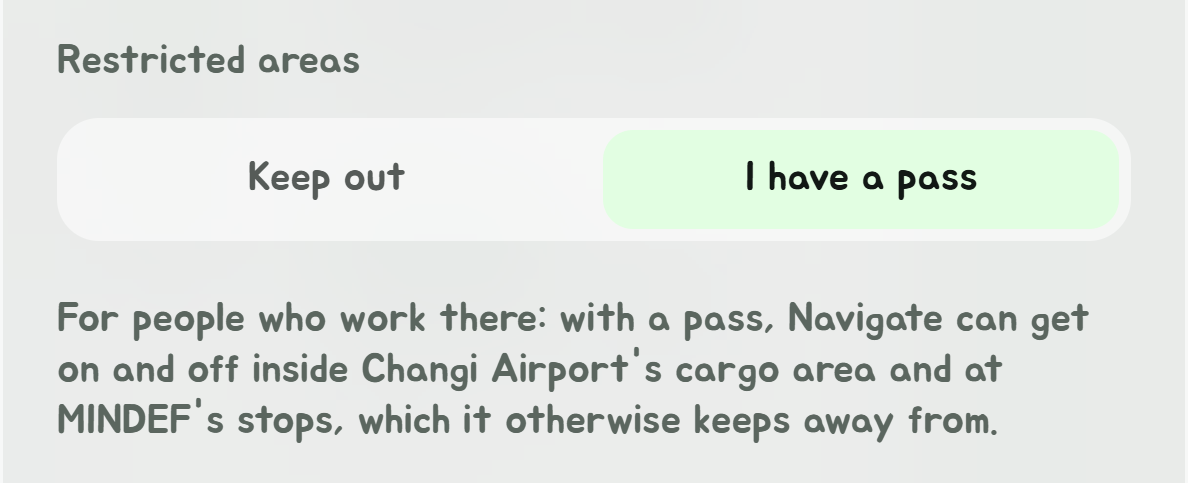
| Restricted areas | Keep out (the default) or I have a pass: for people who work inside Changi Airport's cargo area or at MINDEF's stops on Gombak Drive. With a pass, Navigate and the route planner get on and off at those stops, and ride through the cargo area, as at any other. |
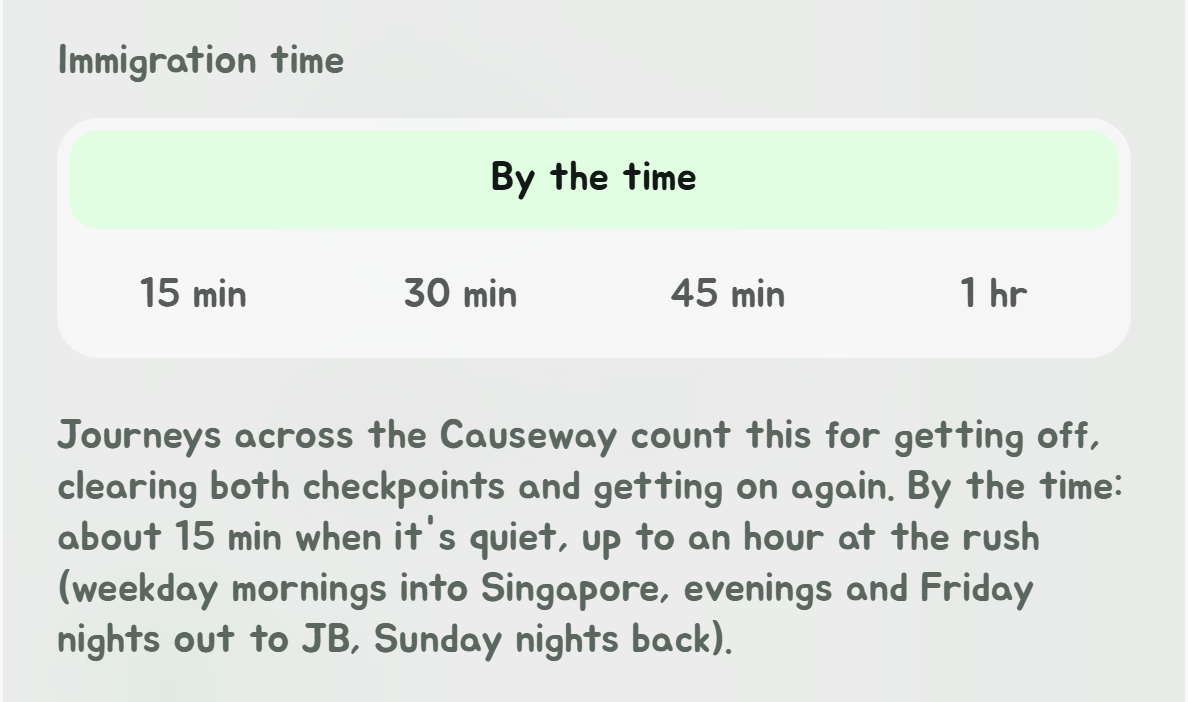
| Immigration time | How long a journey across the Causeway counts for getting off, clearing both checkpoints and getting on again. By the time (the default): about 15 minutes when it's quiet, up to an hour at the rush. Or your own: 15 min, 30 min, 45 min or 1 hr. See Navigate. |
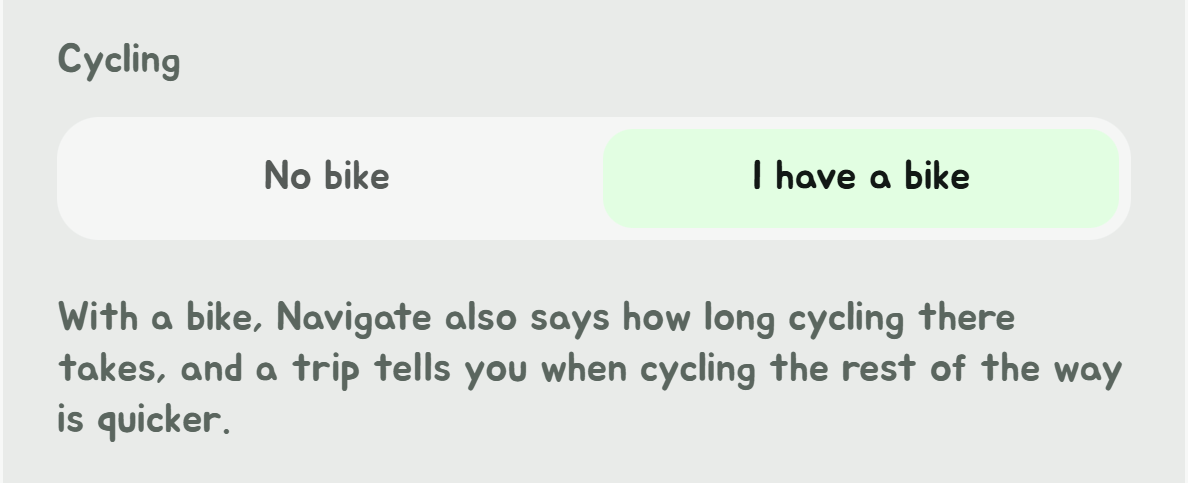
| Cycling | No bike (the default) or I have a bike. With a bike, Navigate also says how long cycling there takes, and a trip tells you when cycling the rest of the way is quicker. |
| Shuttle buses | Free only (the default) or Free and paid: which shuttle buses Navigate rides and Explorer shows. A hotel's or a condo's shuttle is only used to or from it. |
| Pin favourite stops in lists | Top or Bottom of lists of stops. |
| Picture-in-picture | The Android app only. On (the default) or Off: whether leaving the app on a trip or the live map shrinks it into a small window over your other apps. |
| Edge Tray side | Right (the default) or Left: which edge of the screen the Edge Tray, the column of buttons at the top of the screen, hangs from. Its arrow tucks it away at that edge. |
| Edge Tray buttons | Turn off any of Explorer, SimplyGo, Telegram bot, Buy Augy a Coffee, Guide and uwuCoins for a tidier tray, and in the Android app, Timings near a stop and Routines. Each is on until you turn it off; tap again to bring it back. |
| Sync with another device | See Sync between devices. |
Changes save as you make them. There is no Save button.
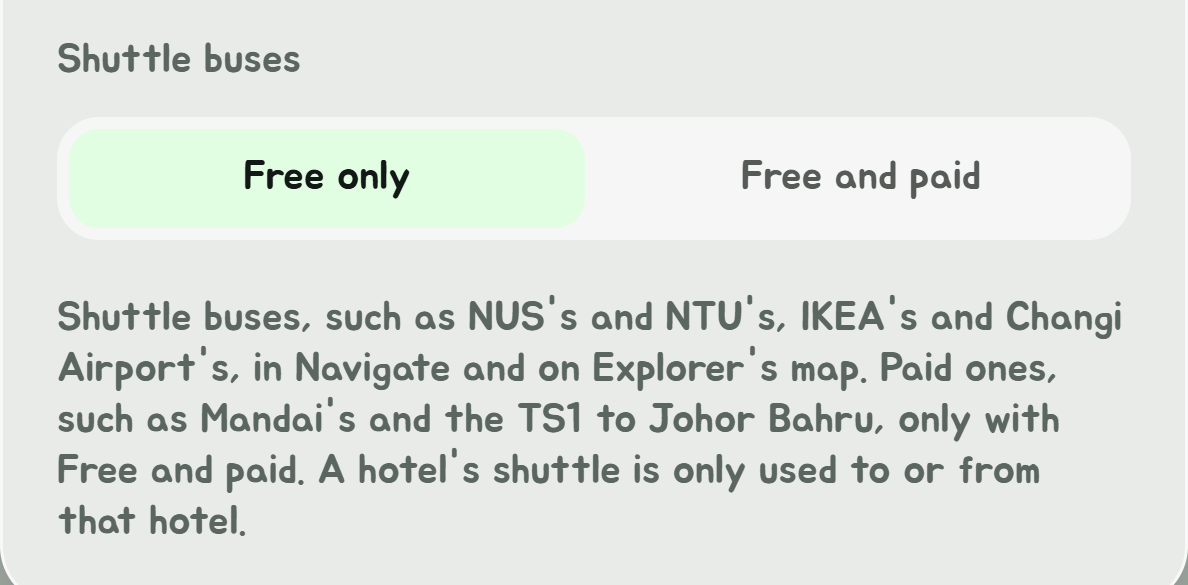
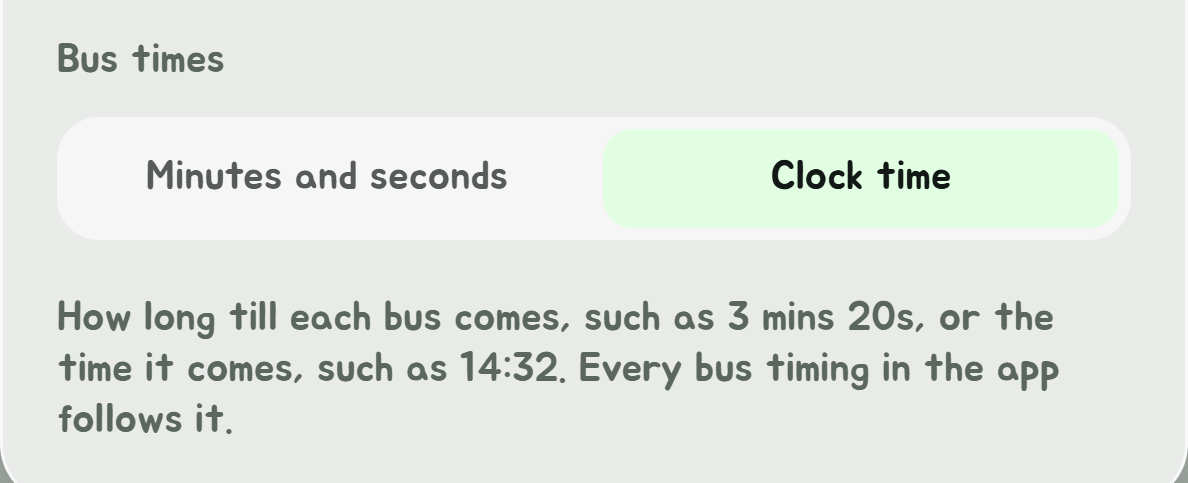
Looking for notifications? They're switched on in the Service alerts window, opened from the bell in the Edge Tray, not here.
The greeting follows the time of day, good morning, afternoon or evening, and keeps up while the app stays open.
Your birthday
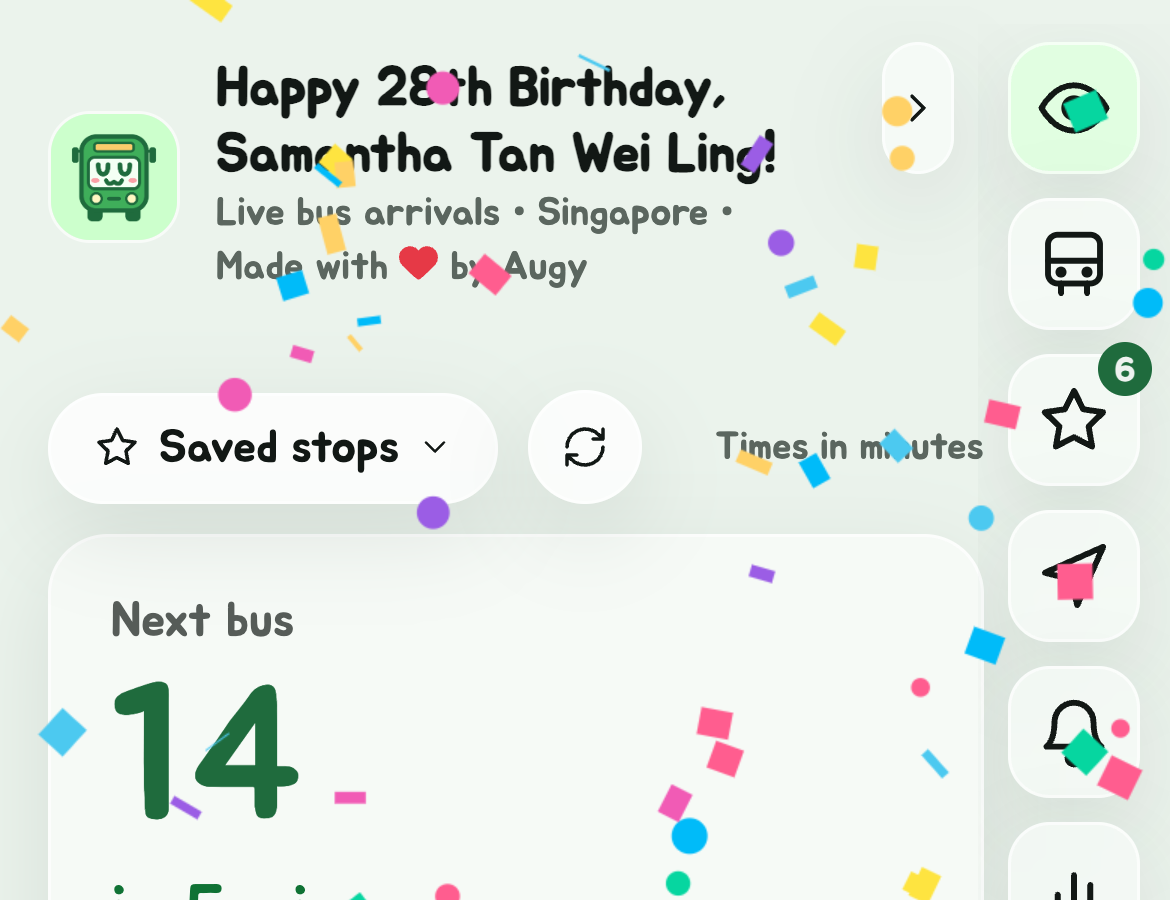
On your birthday, the greeting wishes you a happy one, with the birthday you're turning, worked out from the year in Birthday. Confetti falls each time you open the app that day, and again when you come back to it after ten minutes or more away. Turn it off with Birthday confetti in Settings. With your device set to reduce motion, there's no confetti.
Home and Work
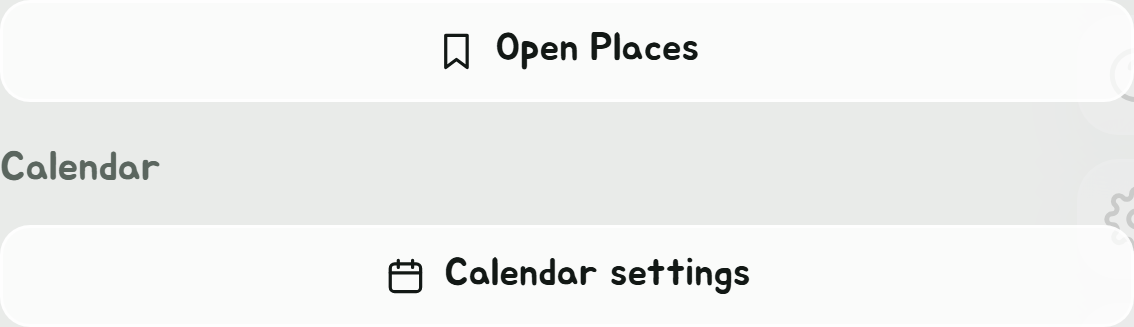
Home and Work moved to Places, with any other places you save. Open Places opens it, as does the bookmark in the Edge Tray.
Report a bug
Something not working? Open Settings, Help and extras, and tap Report a bug.
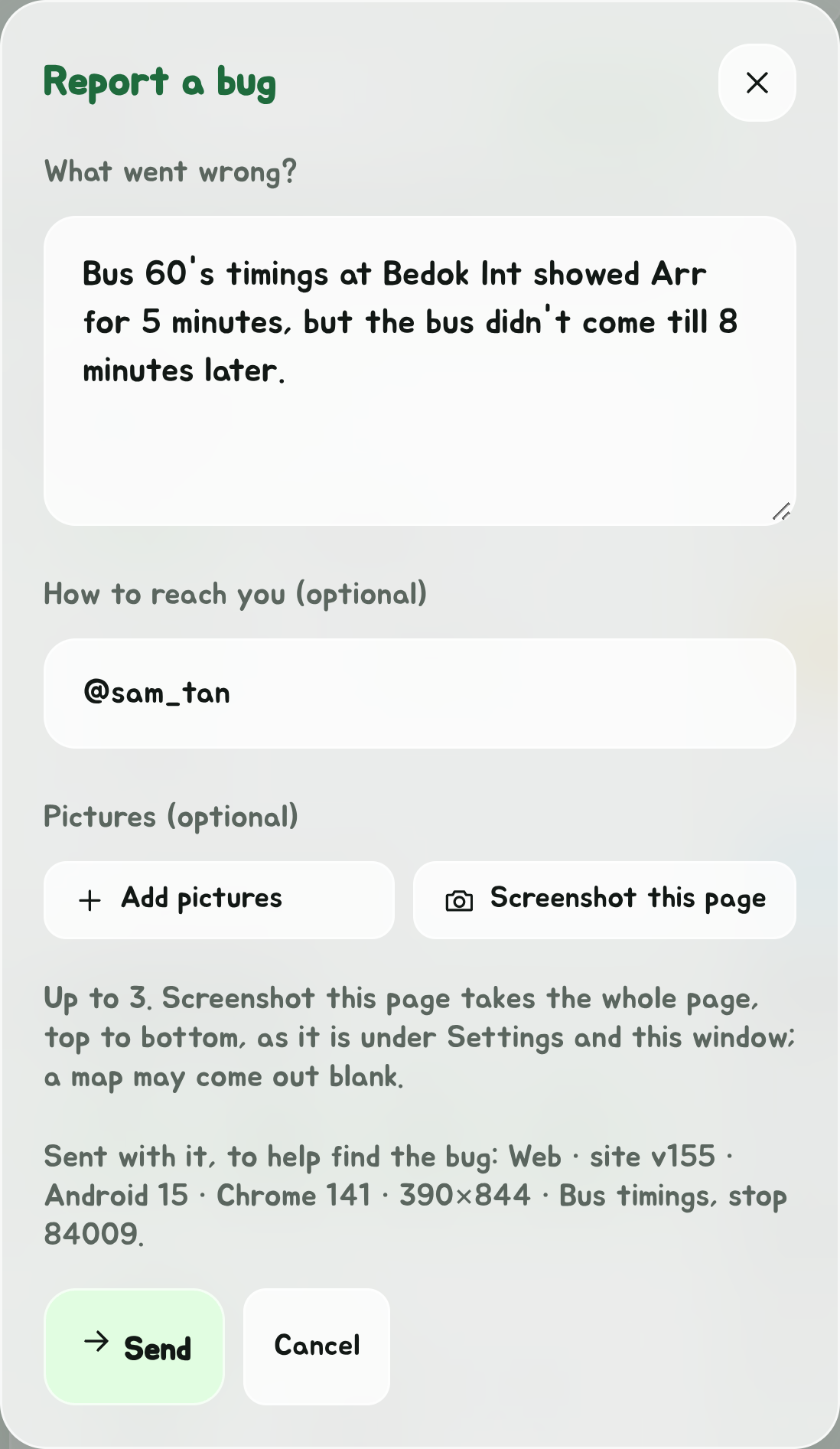
- Under What went wrong?, say what you did, what happened, and what you expected.
- Under How to reach you, add your Telegram @name or your email if you'd like an answer. It's optional.
- To show what happened, add up to three pictures: Add pictures picks them from your phone, and Screenshot this page takes the app as it is under Settings and the window: the whole page, top to bottom, not only the part on your screen. A map may come out blank in a screenshot taken this way; take one with your phone instead if it matters.
- Read the line under it, Sent with it, to help find the bug: that's everything else that goes with your words.
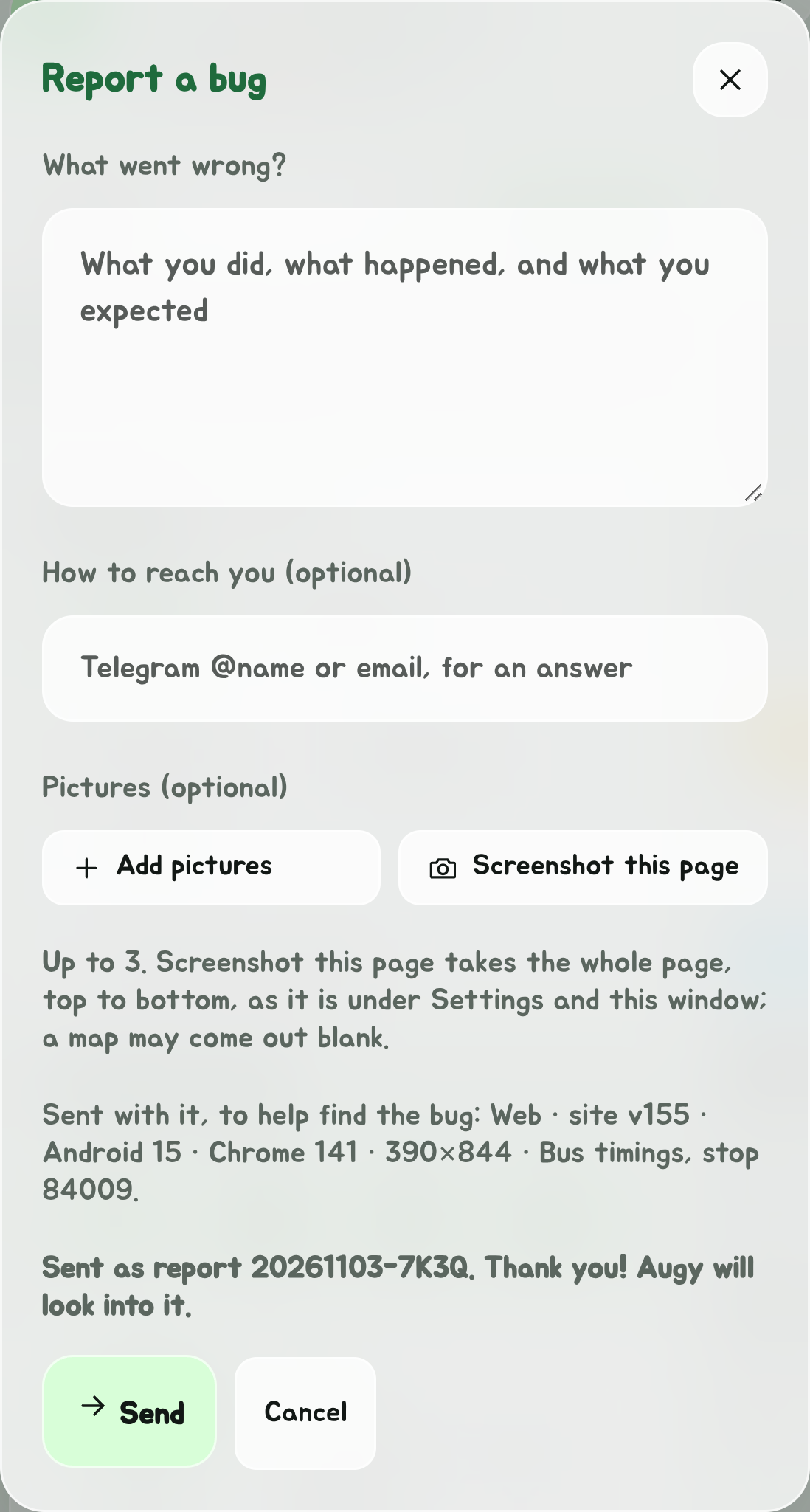
- Tap Send. It reaches Augy on Telegram, and the window says Sent as report 20261103-7K3Q. Thank you! Augy will look into it. That's your report's ID: the day it was sent and four letters. Mention it if you write to Augy about it, and he can find it straight away.
What goes with it is only what helps find the bug: which app and its version, your phone or computer and browser as they describe themselves, the size of the window, the page you were on (with the stop's or bus's number if one was open) and your language. Never where you are, your places or your saved stops.
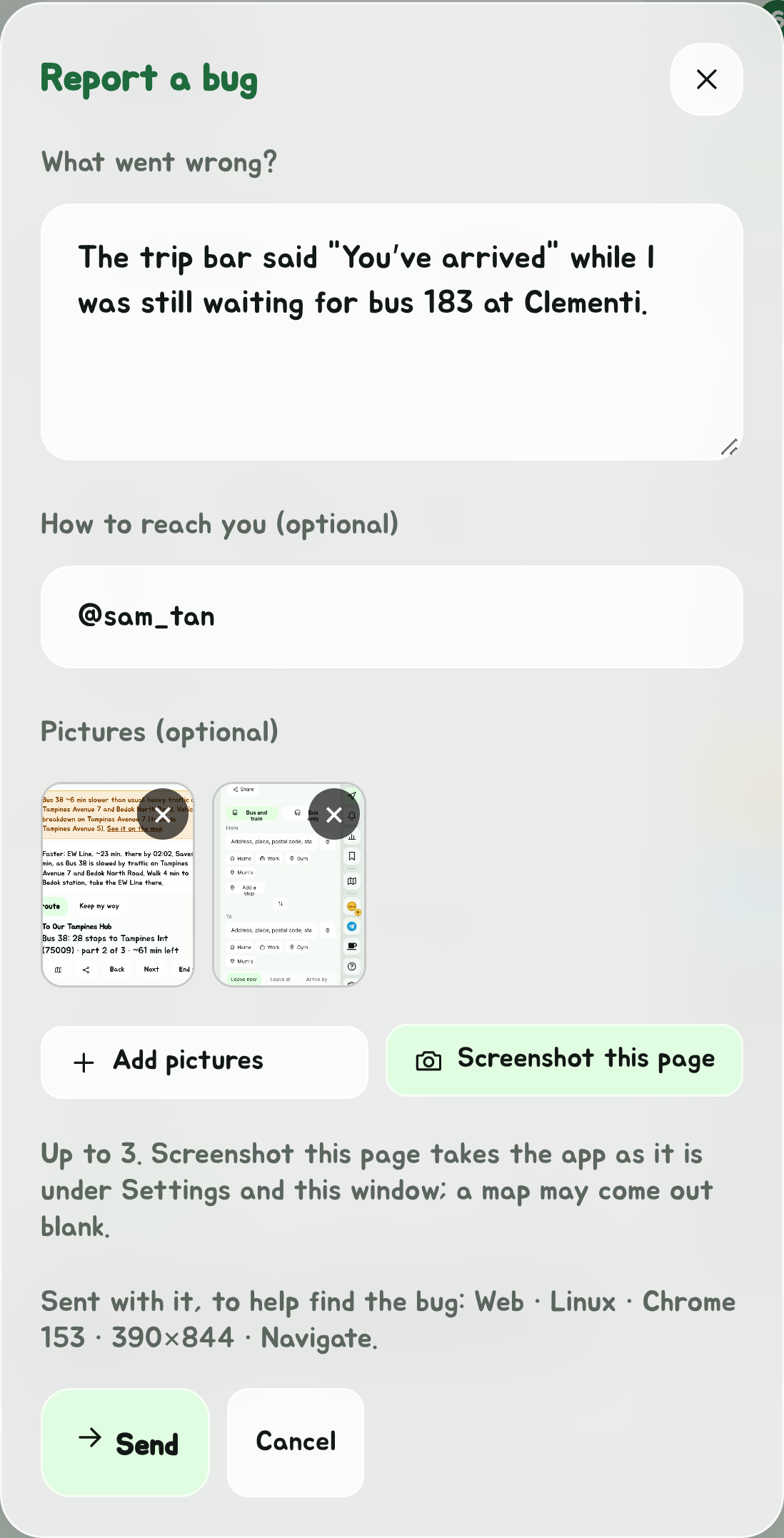
Pictures are made smaller on your phone before they're sent, and reach Augy inside your report's message, under what you typed.
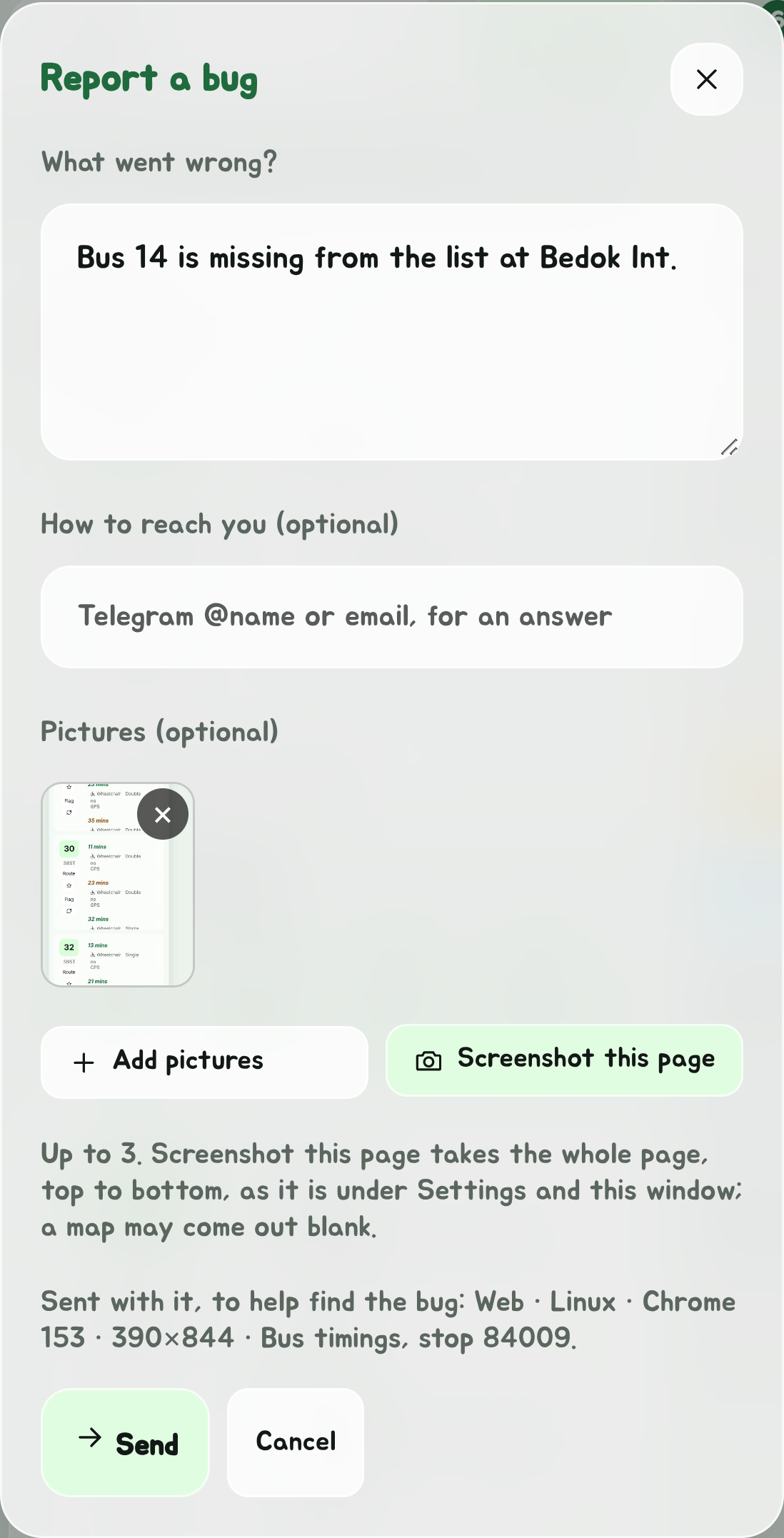
A screenshot of a page longer than your screen is kept as tall as the page. Telegram makes a tall picture small, so it also reaches Augy as a file at its full size, where every line can be read.
- What you've typed, and the pictures, stay while the app's open, even if you close the window, until it's sent.
- Offline, it says so and keeps it: send it once you're back online.
- If it can't be sent from the app, it says so and offers Email it instead, with your words filled in.
The magic cup
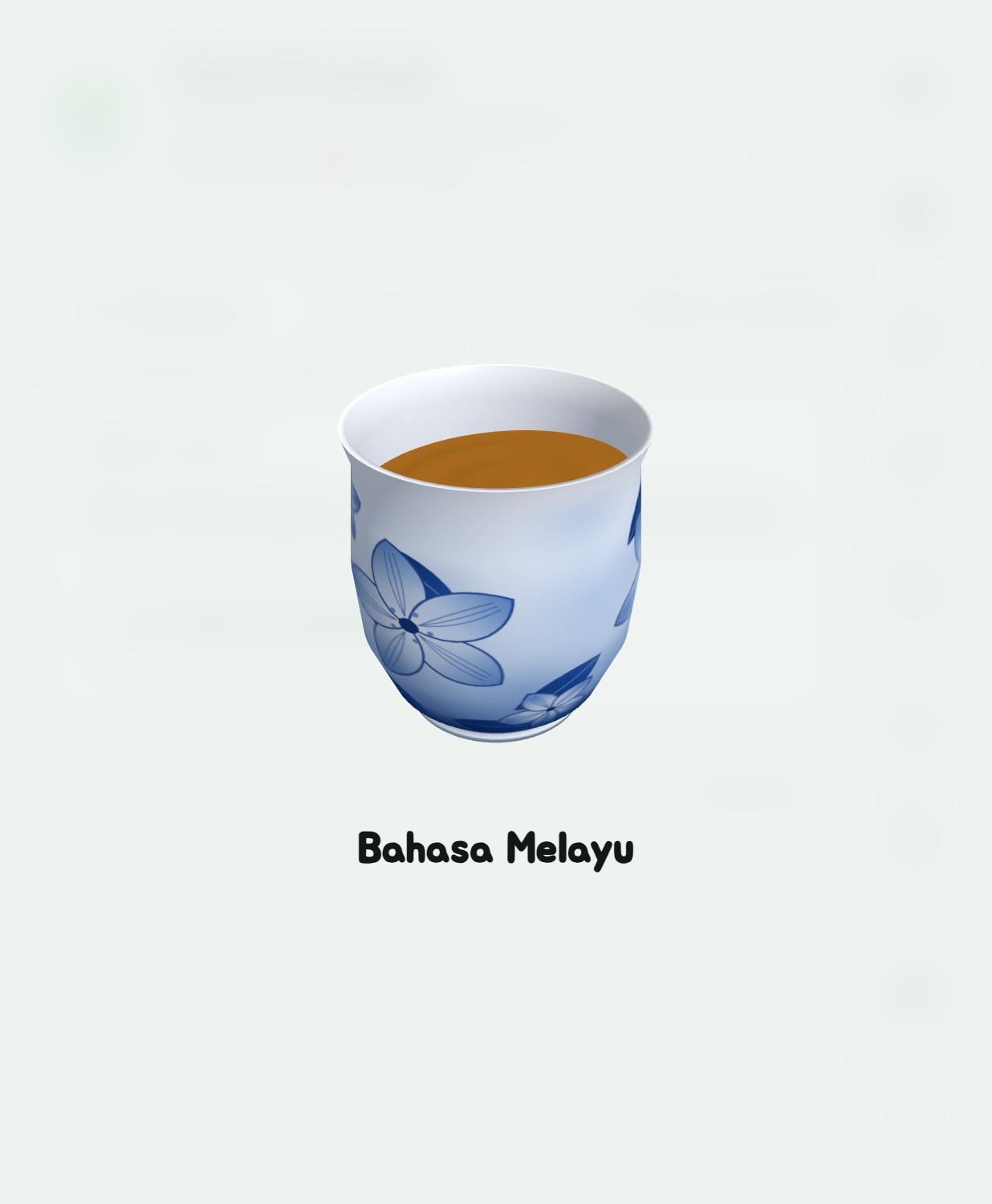
Changing the language takes a sip from Singapore's famous language-changing cup. It spins in the middle of the screen with the tea swishing around it, and the whole app comes back in the new language, all within about a second. With reduced motion on in your device's settings, it stands still and the language changes straight away.
Themes
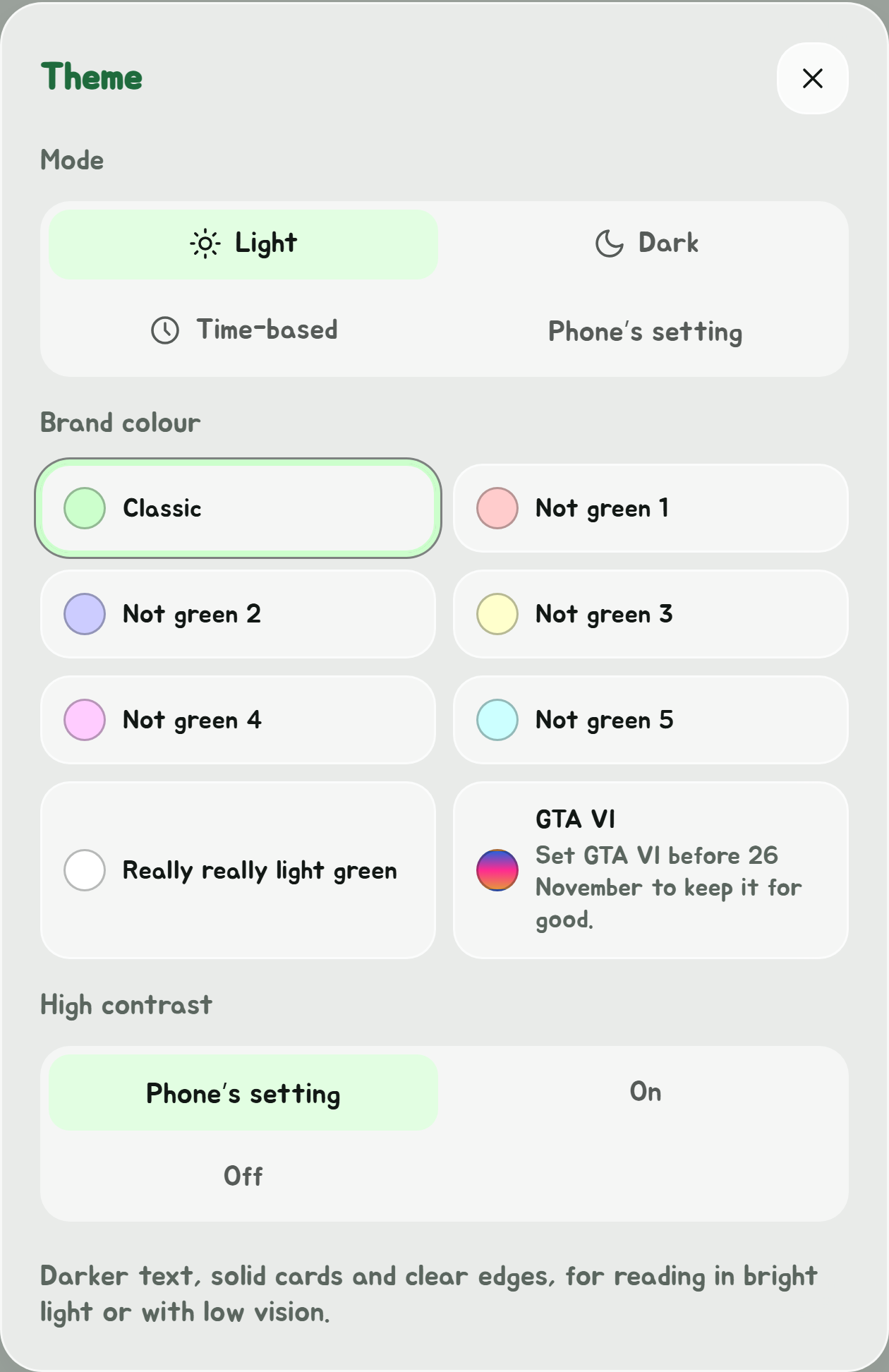
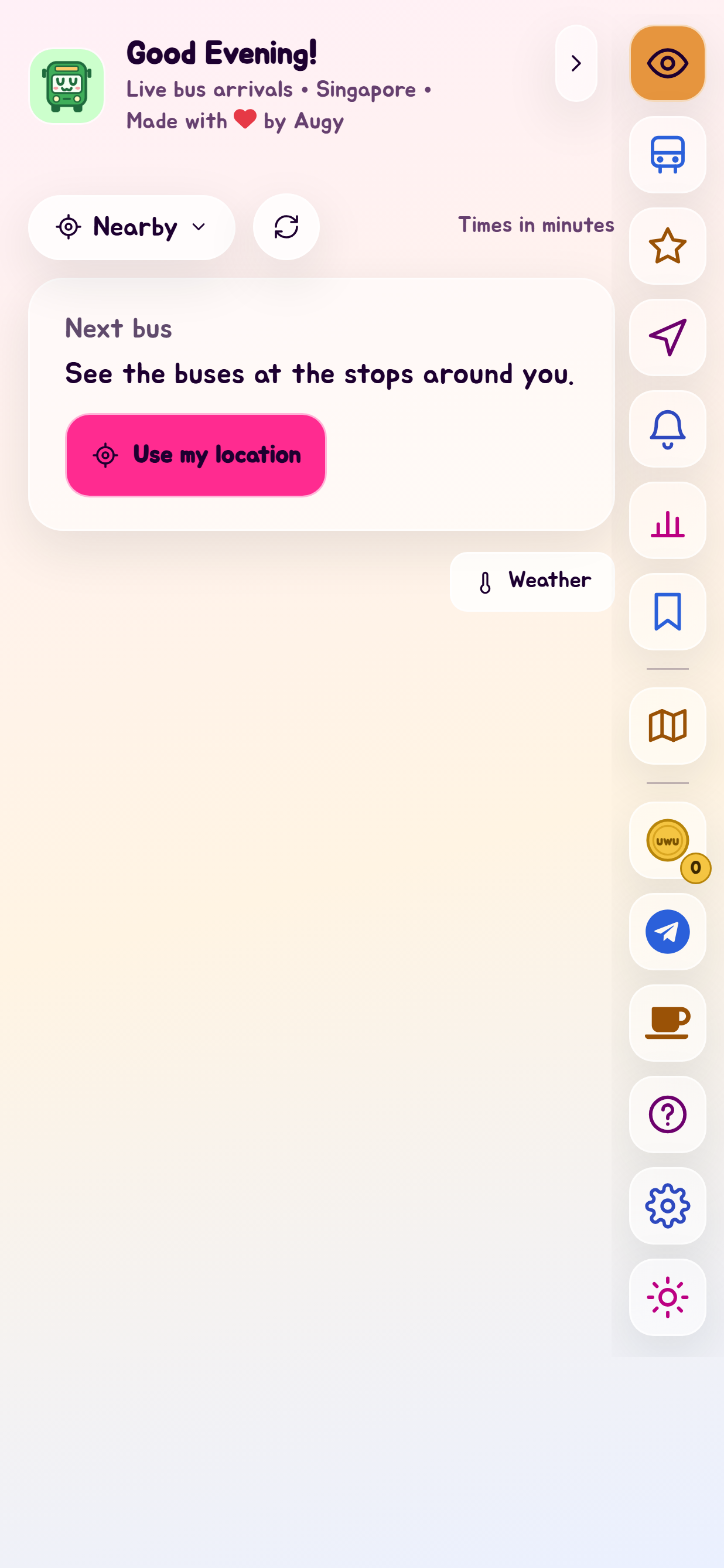
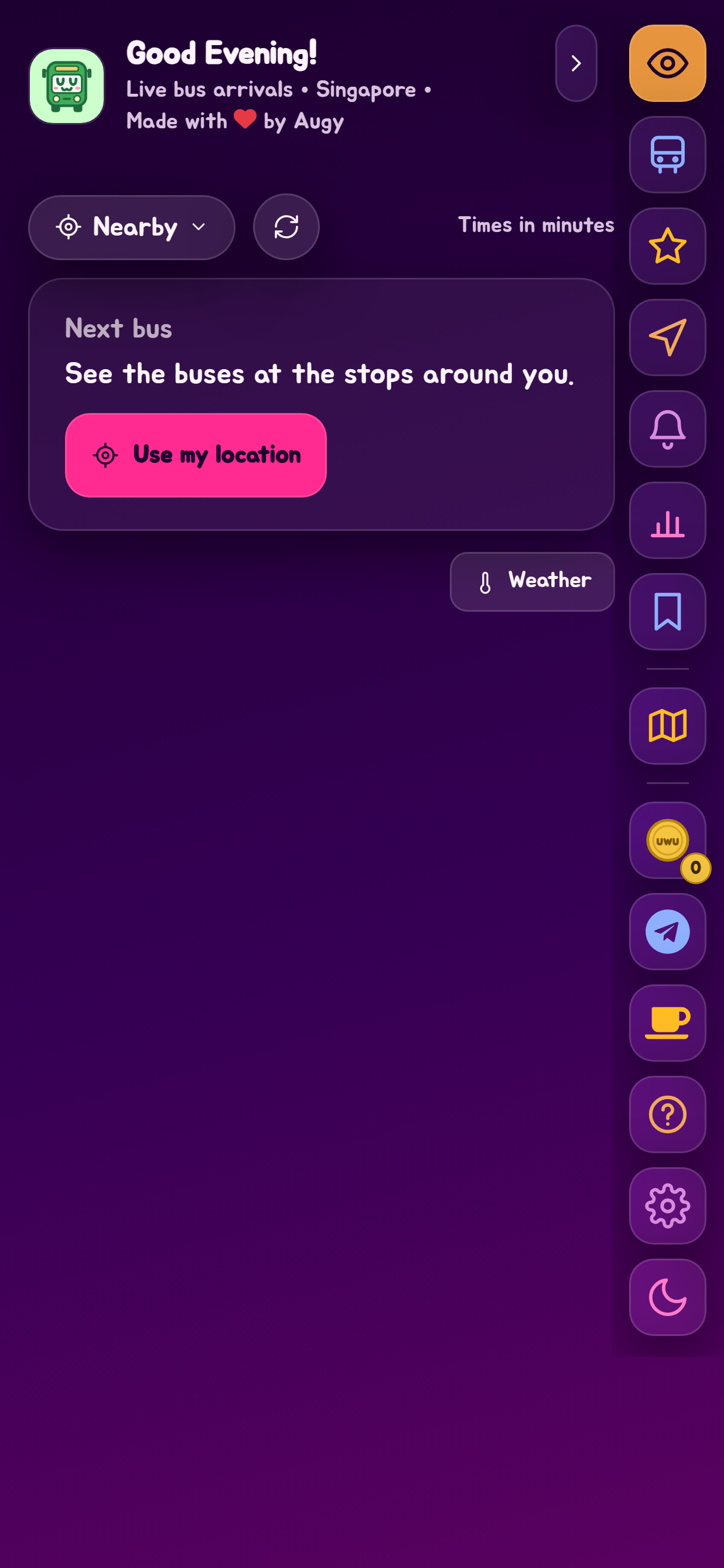
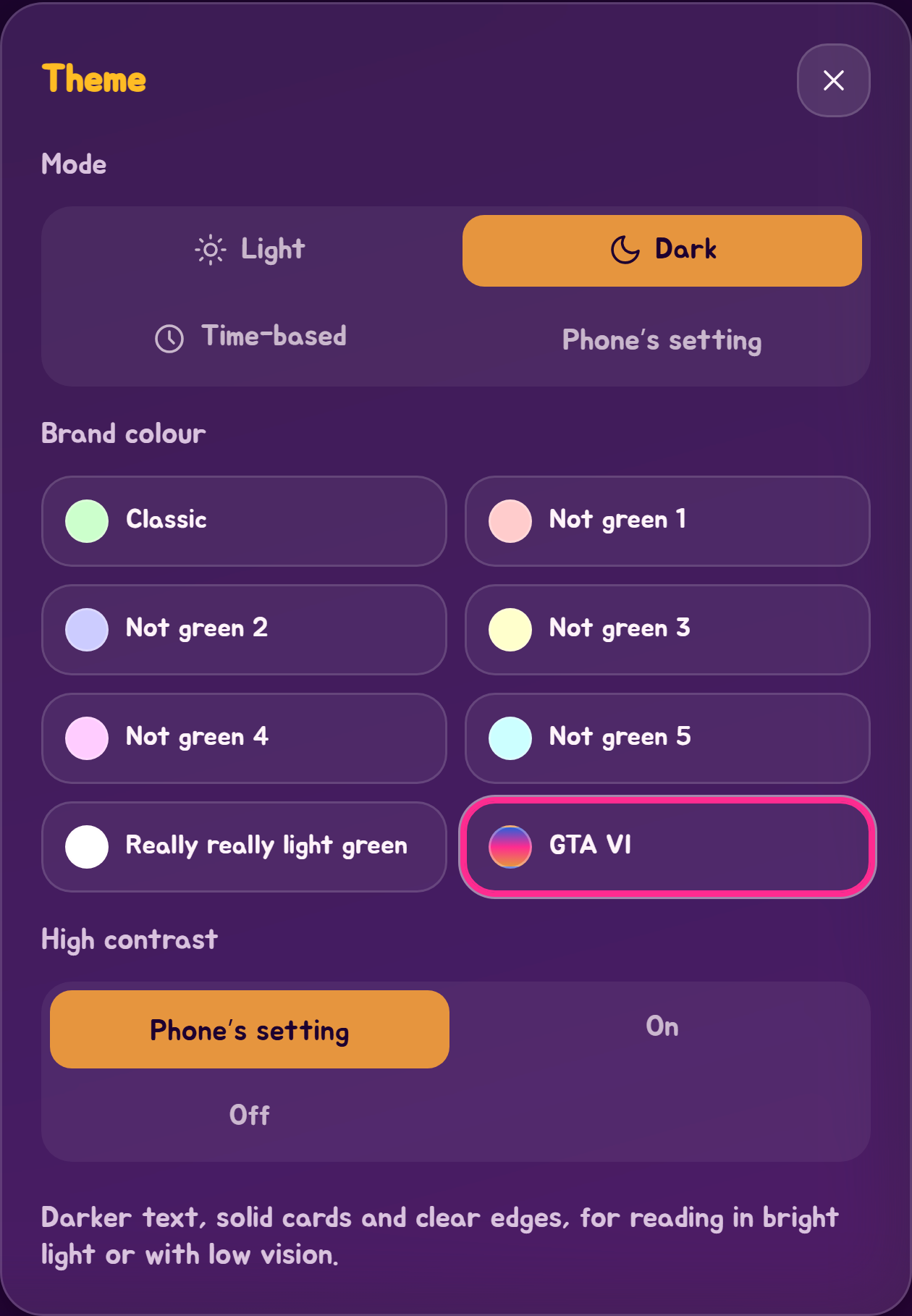
Tap the sun or moon button at the bottom of the Edge Tray to open the theme picker. Choices apply at once and are remembered on this device.
Mode
- Light is the default, whatever your device is set to.
- Dark stays dark.
- Time-based follows your device's clock: light from 09:00, dark from 18:00. An app left open across either time switches by itself. The picker says which of the two it is in right now.
- Phone's setting follows your phone's or computer's own light or dark, and changes as it does.
Brand colour
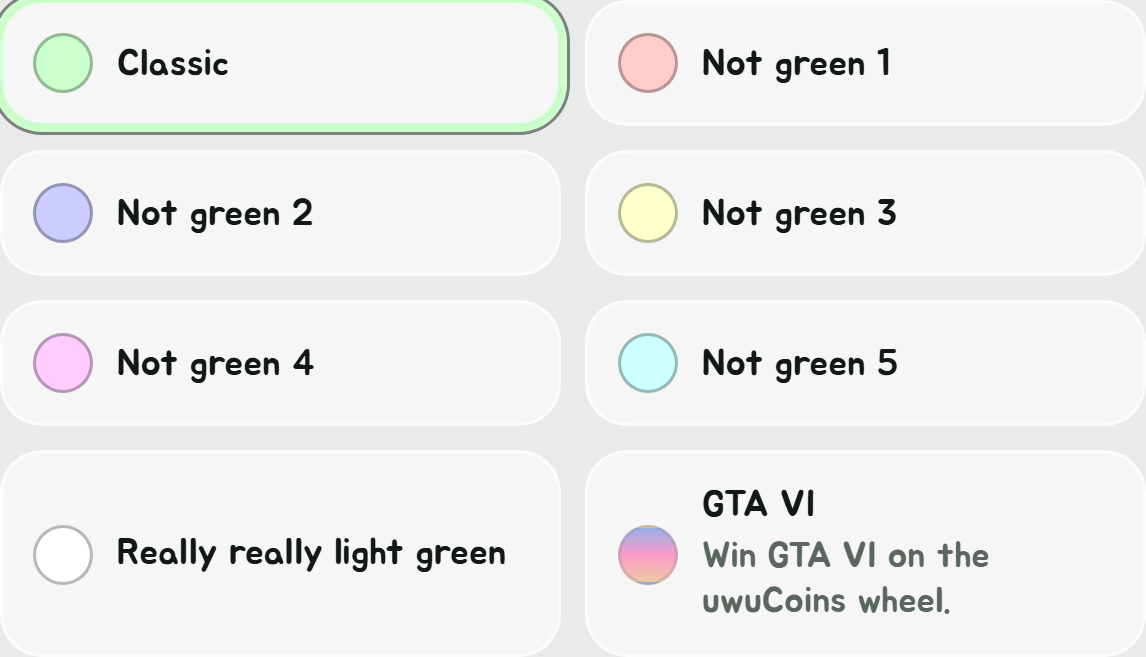
Eight colours tint the page, the buttons and the highlights:
| Colour | Swatch |
|---|---|
| Classic, the default | Pale green |
| Not green 1 | Pale red |
| Not green 2 | Pale blue |
| Not green 3 | Pale yellow |
| Not green 4 | Pale pink |
| Not green 5 | Pale cyan |
| Really really light green | White |
| GTA VI | Pink, blue, orange, yellow and violet |
Every colour works in both light and dark mode, and text stays readable in all sixteen combinations.
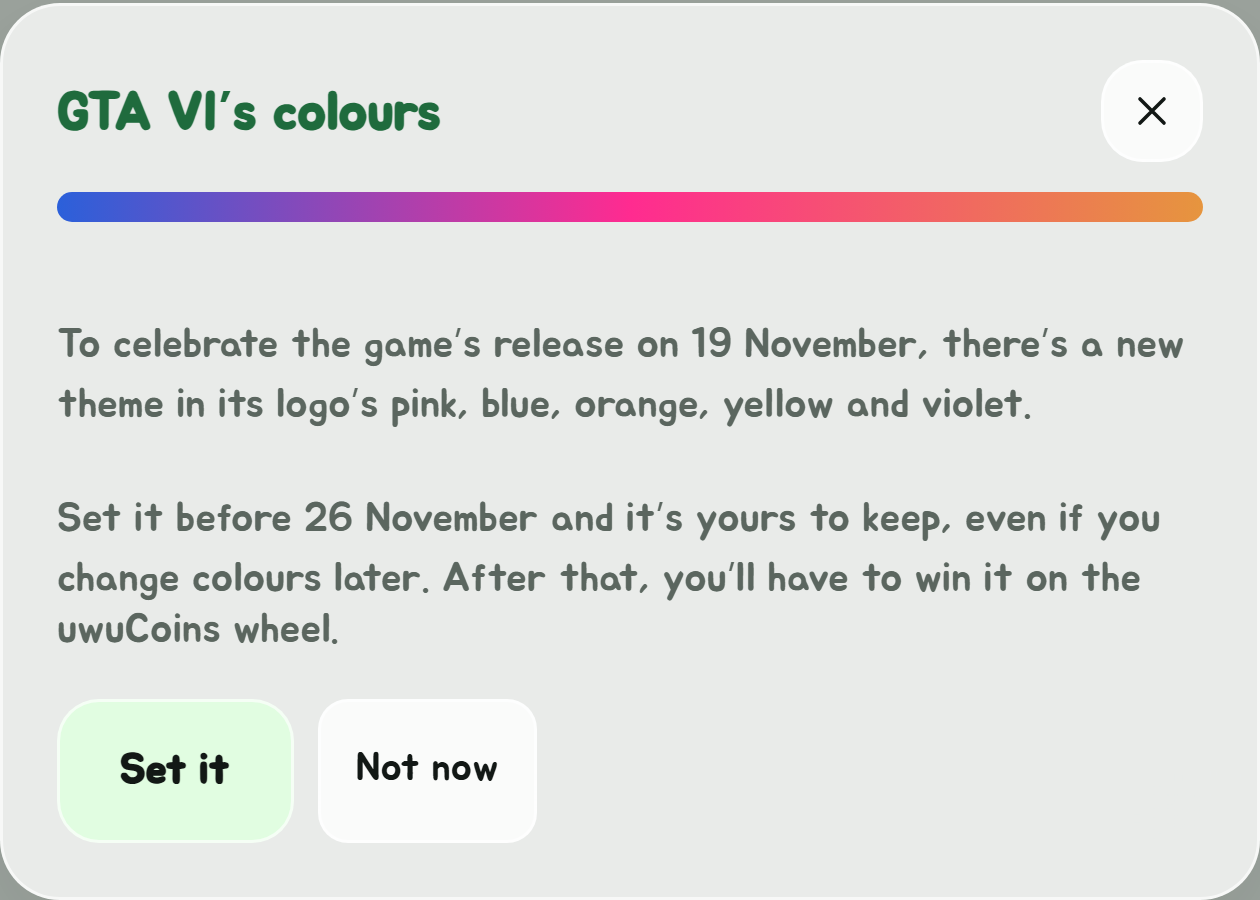
GTA VI celebrates the game's release on 19 November 2026 with the colours of its logo: it goes further than a tint, with a colour to each kind of thing: pink main buttons, orange for what's picked, blue for what's switched on, bus numbers going through them all, and a violet page in dark mode. Arrival times keep their usual colours. A window offers it once when the app opens. Set it at least once before 26 November, Singapore time, and it's yours to keep, even if you change colours later. After that it's locked until you win it on the uwuCoins wheel. It's kept on each device, so set it on each one you use. SG Bus Timings isn't connected with Rockstar Games.
High contrast
Phone's setting (the default) follows your phone's or computer's own high contrast or "increase contrast" setting. On turns it on whatever that says, and Off keeps it off. High contrast makes text black or white, cards solid rather than see-through, and their edges clear.
Secrets
There's more in the theme picker, but only once you've earned it: spin the uwuCoins wheel for an Easter egg, and see what it brings.
This guide has the same theme picker, at the top right of every page. Its choice is separate from the app's.