Android app: basics
Material You and themes
The Android app's two looks, Material You and the UwU Apps theme, with light, dark, time-based and high contrast modes.
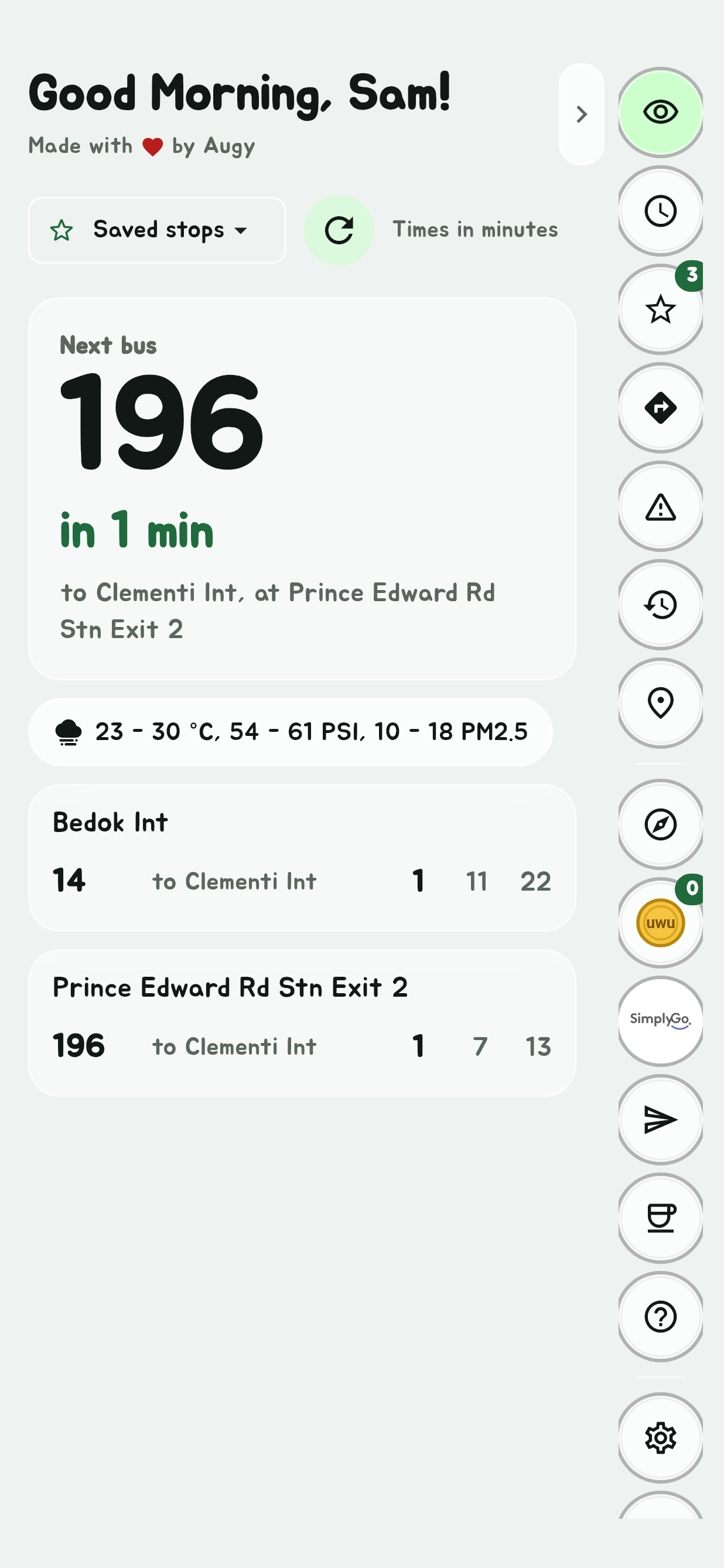
The app has two looks, picked in Theme, the palette at the foot of the Edge Tray.
Material You
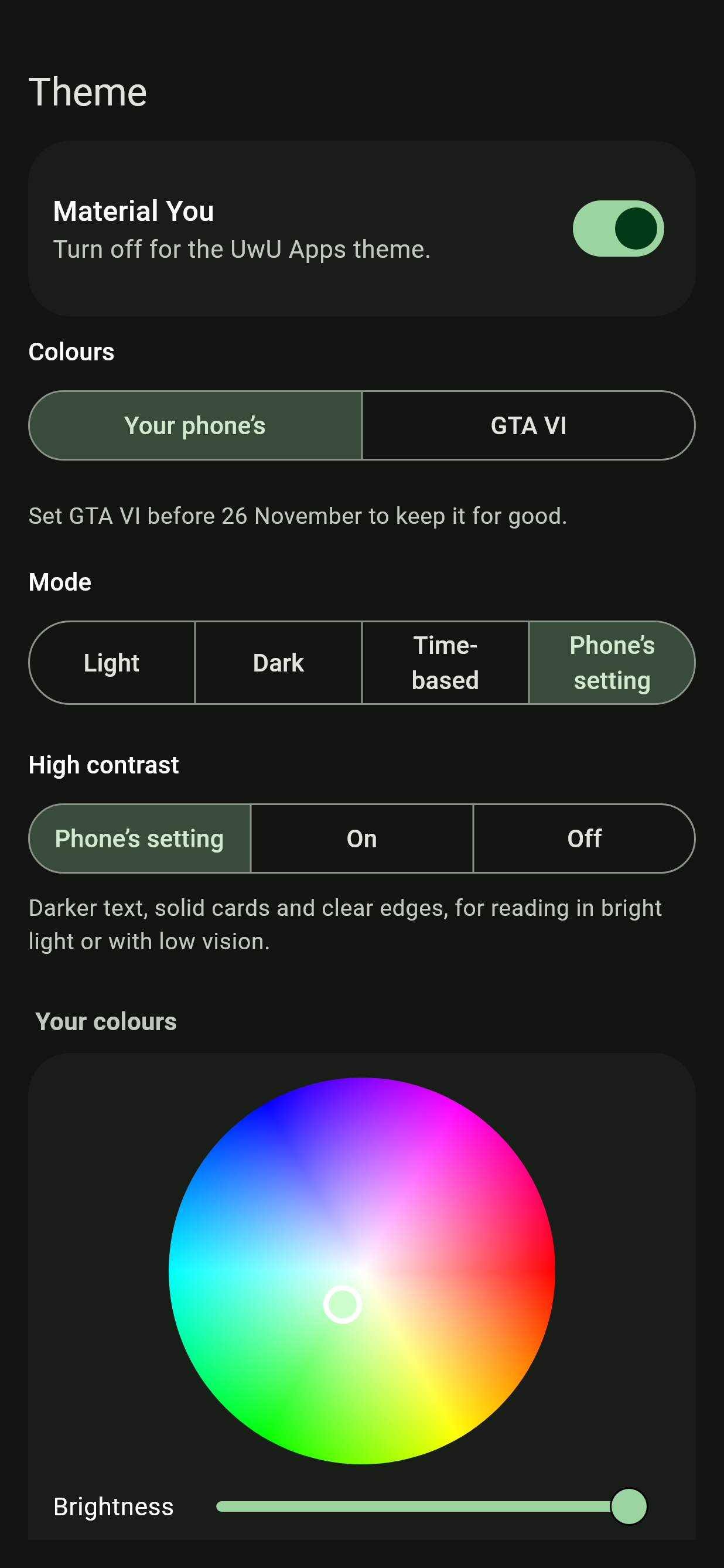
Material You, the one the app opens in, is the whole app drawn the way Android's own apps are: your phone's own fonts (Google Sans on a Pixel, your maker's, or the font you've chosen elsewhere), the colours of your wallpaper on Android 12 and later, solid cards, pill buttons and sheets that slide up from the bottom. On older Android it's in the app's green.
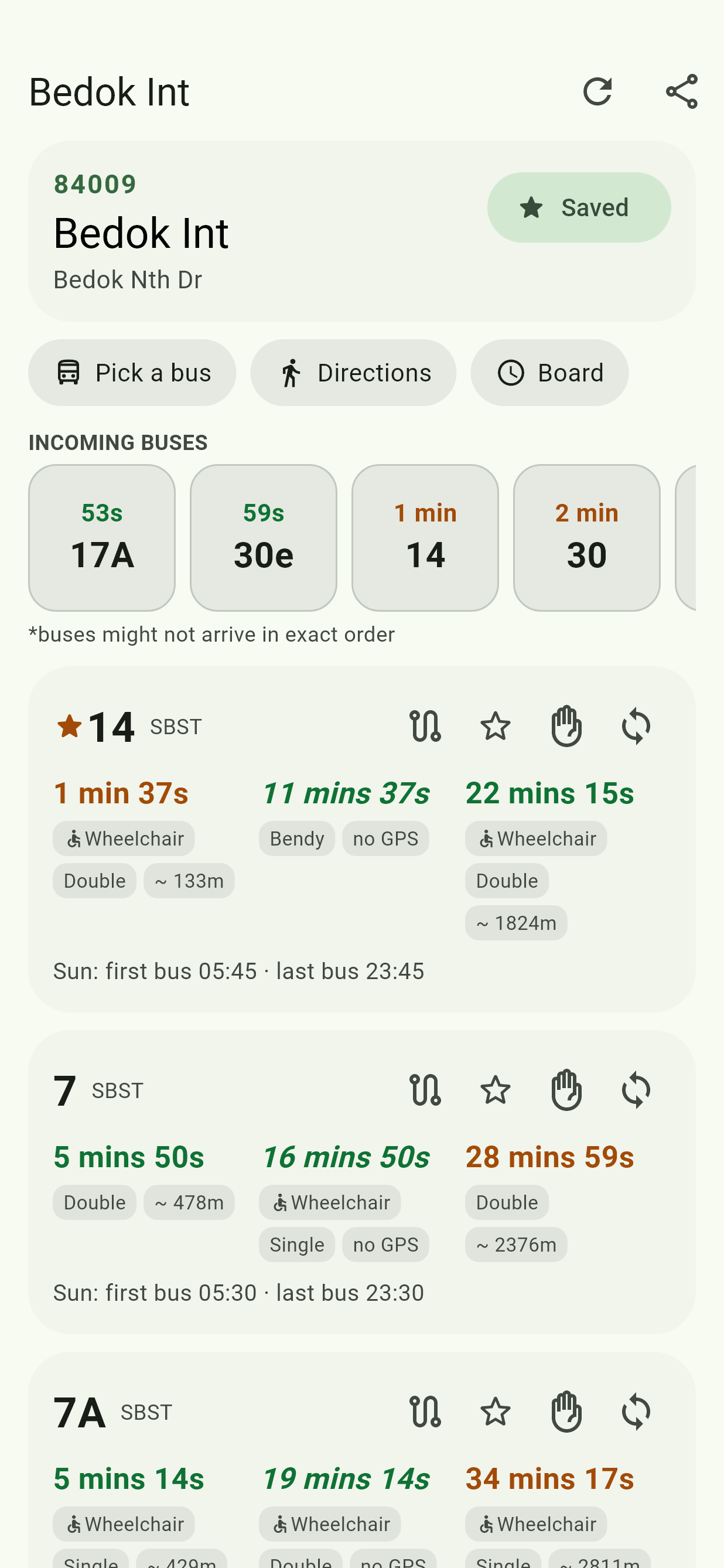
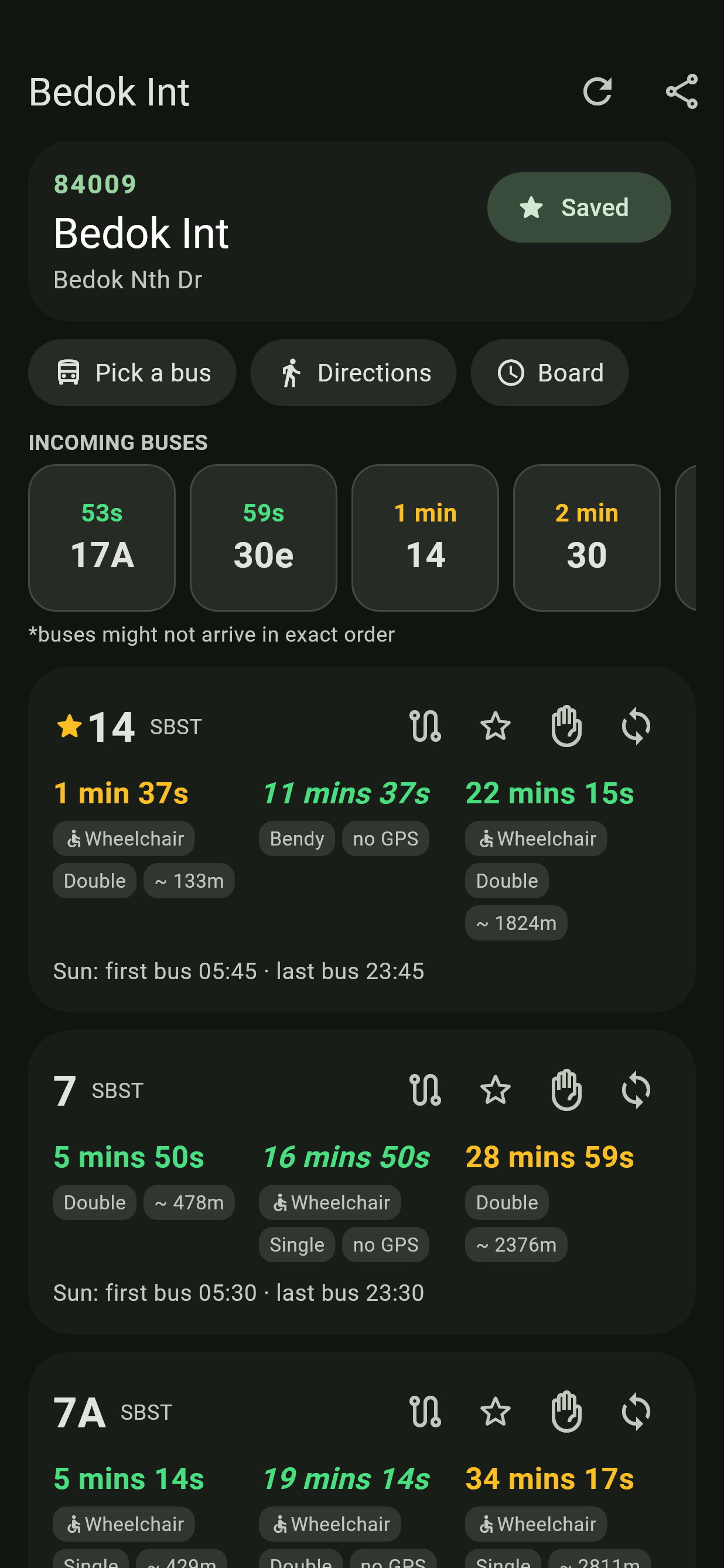
Material You is the Android app's only: the website doesn't have it.
The UwU Apps theme
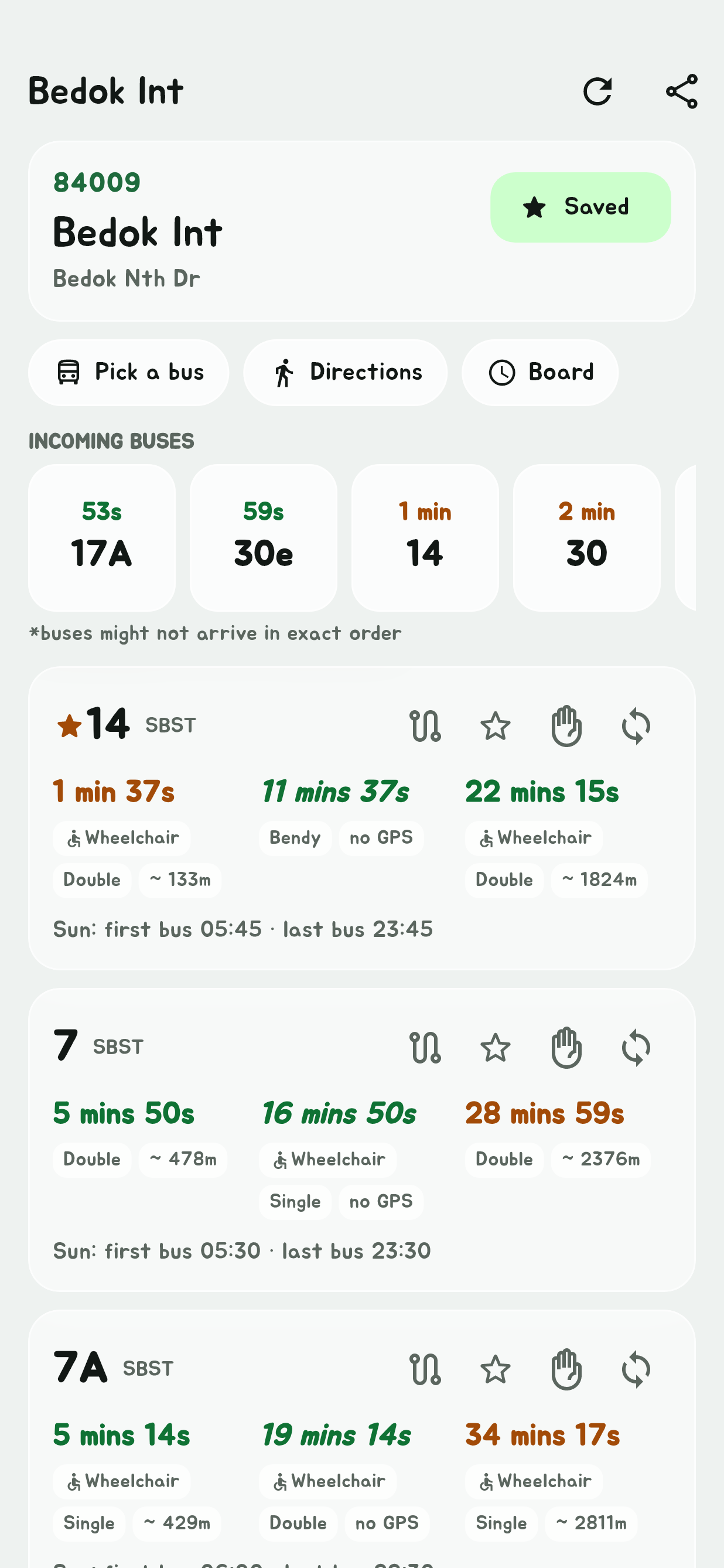
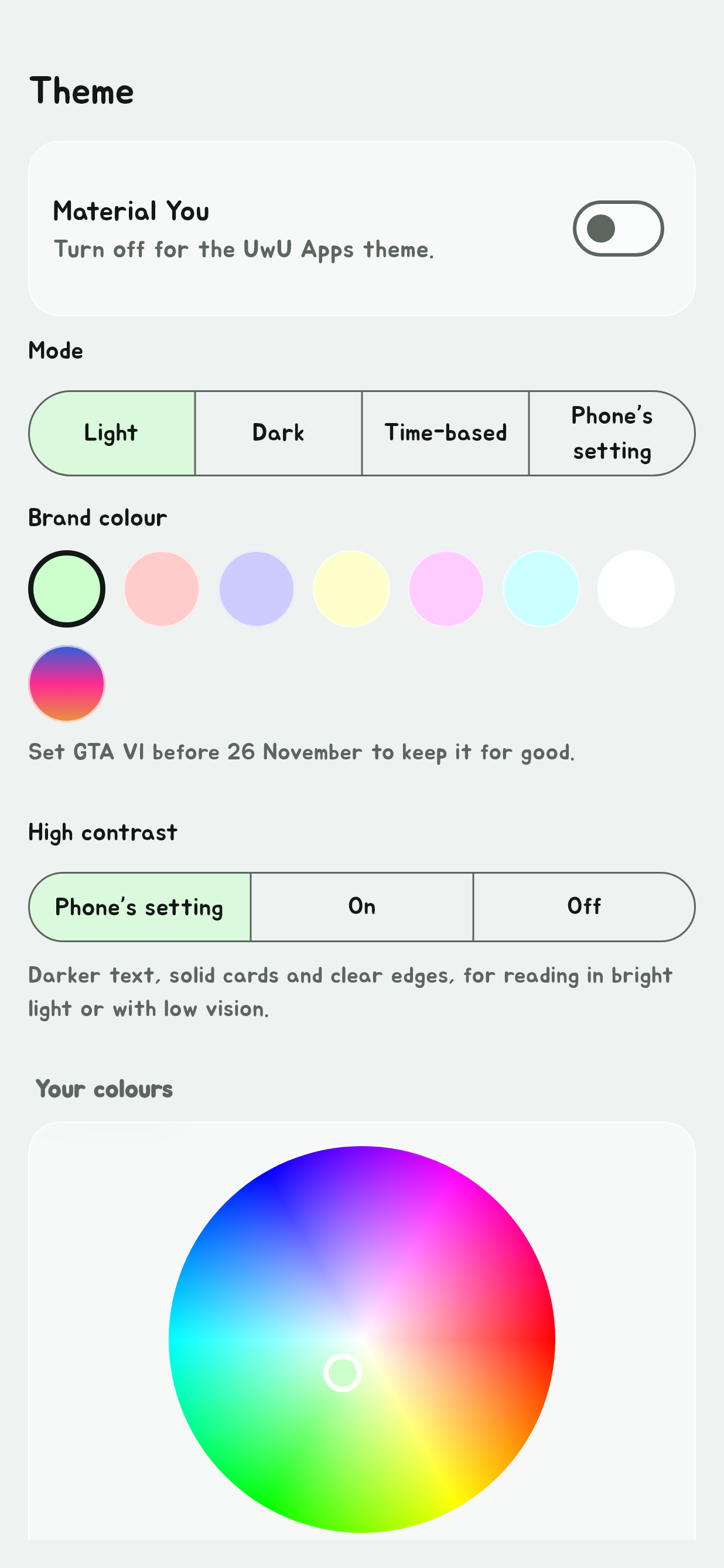
Turn the Material You switch off for the website's own look, with its Jua font, see-through glass cards and eight brand colours, picked under Brand colour.
GTA VI colours
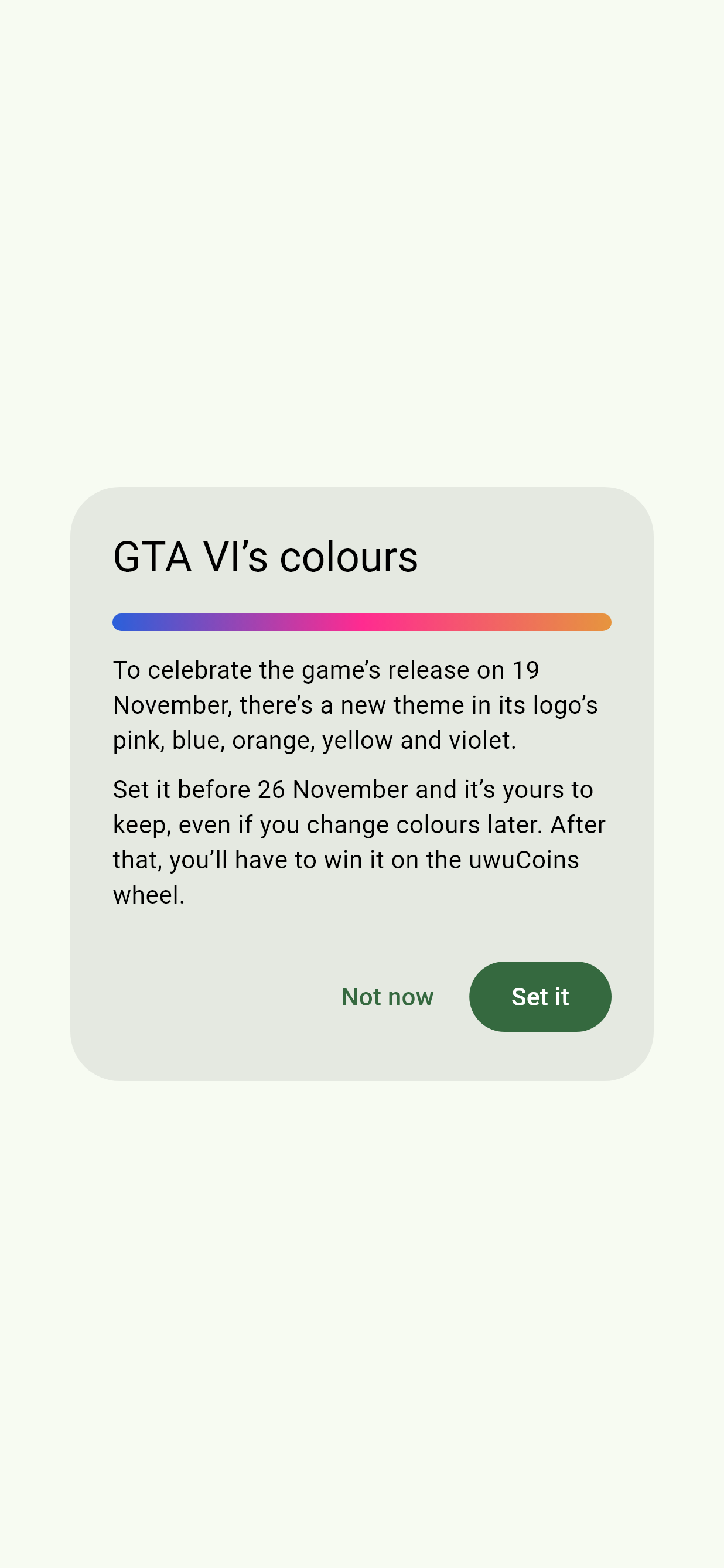
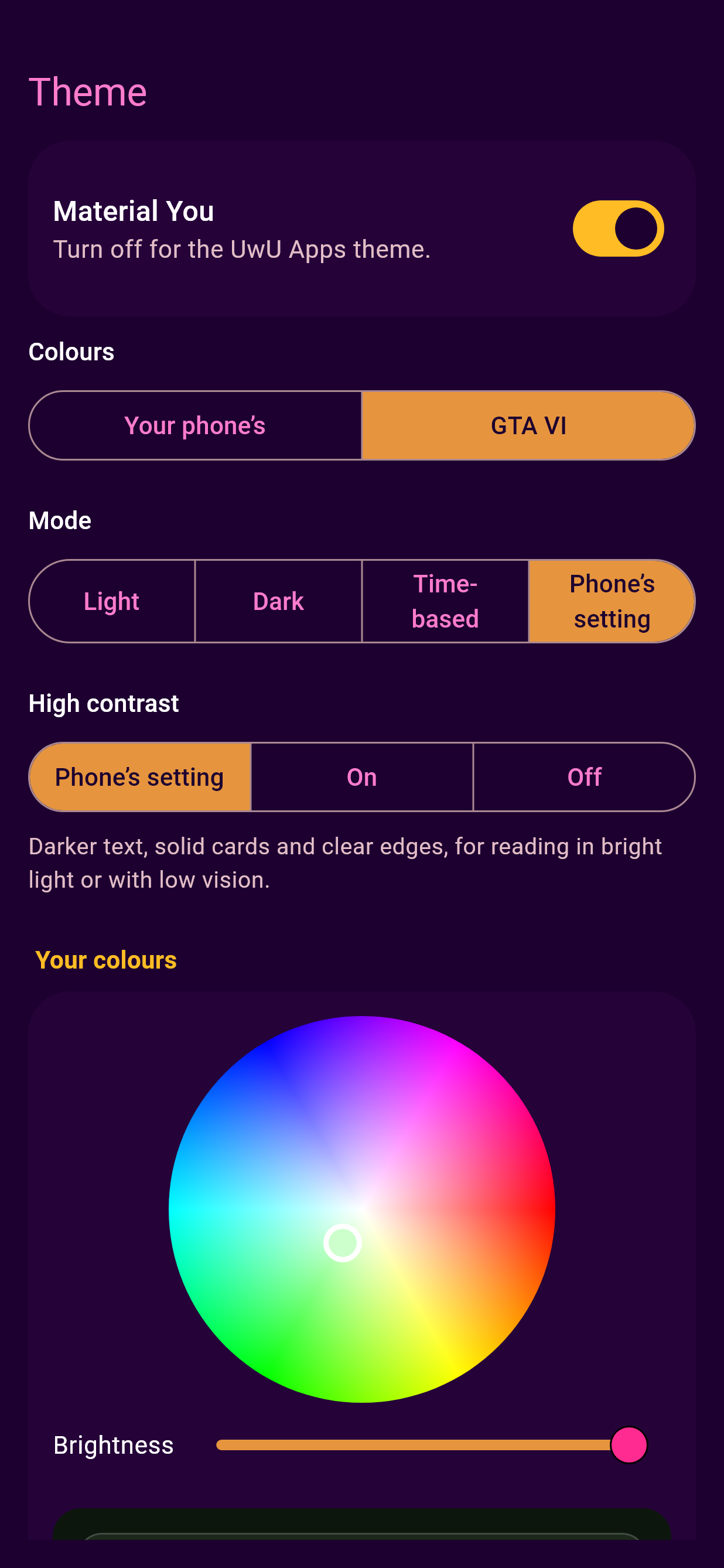
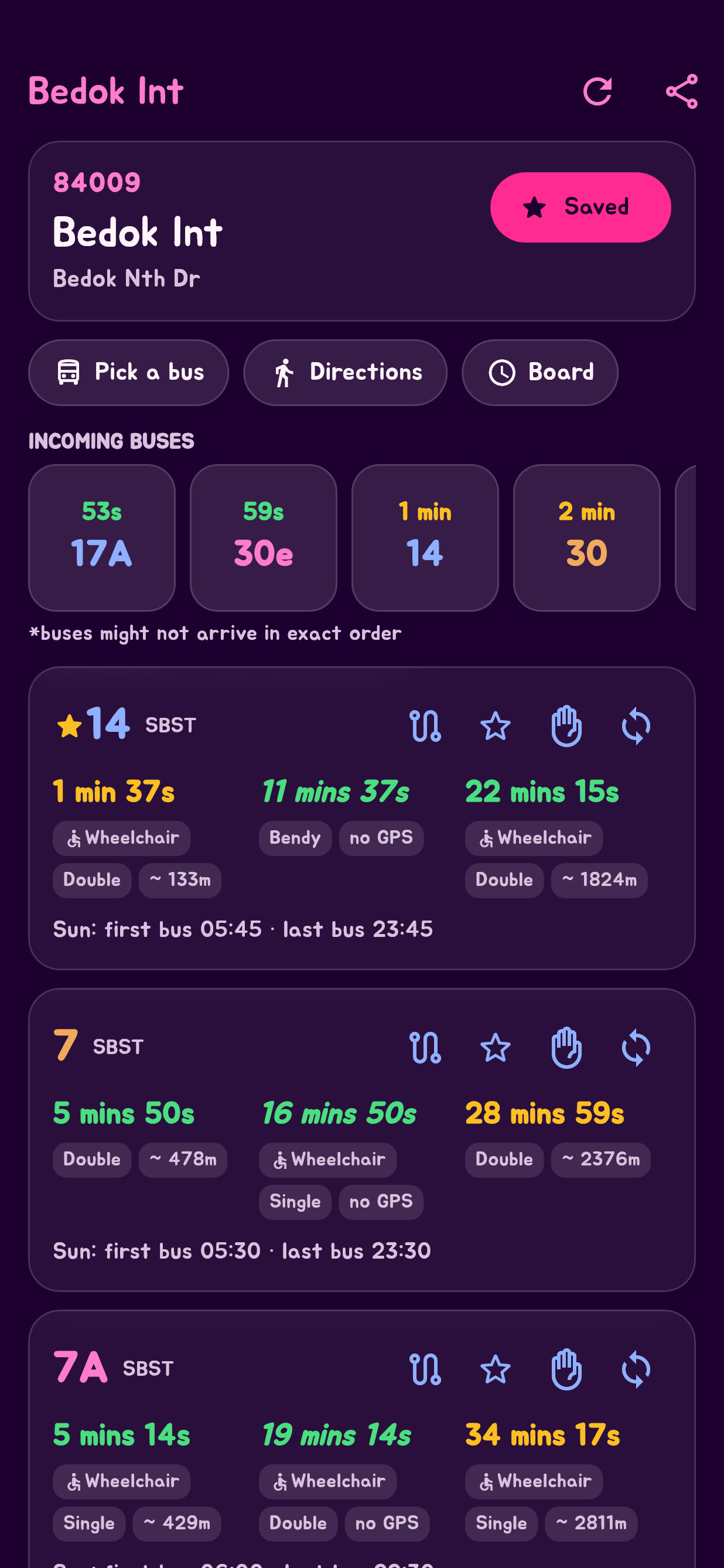
GTA VI celebrates the game's release on 19 November 2026 with the colours of its logo: a colour to each kind of thing, with pink main buttons, orange for what's picked, yellow for what's switched on, blue for bars and icons, bus numbers going through them all, and a violet page in dark mode. Arrival times keep their usual colours. In Material You, pick it under Colours. In the UwU Apps theme, it's the last of the swatches under Brand colour. A window also offers it once when the app opens. SG Bus Timings isn't connected with Rockstar Games.
Set it at least once before 26 November, Singapore time, and it's yours to keep, even if you change colours later. After that it's locked until you win it on the uwuCoins wheel. It's kept on each device, so set it on each one you use.
In both
| Setting | What it does |
|---|---|
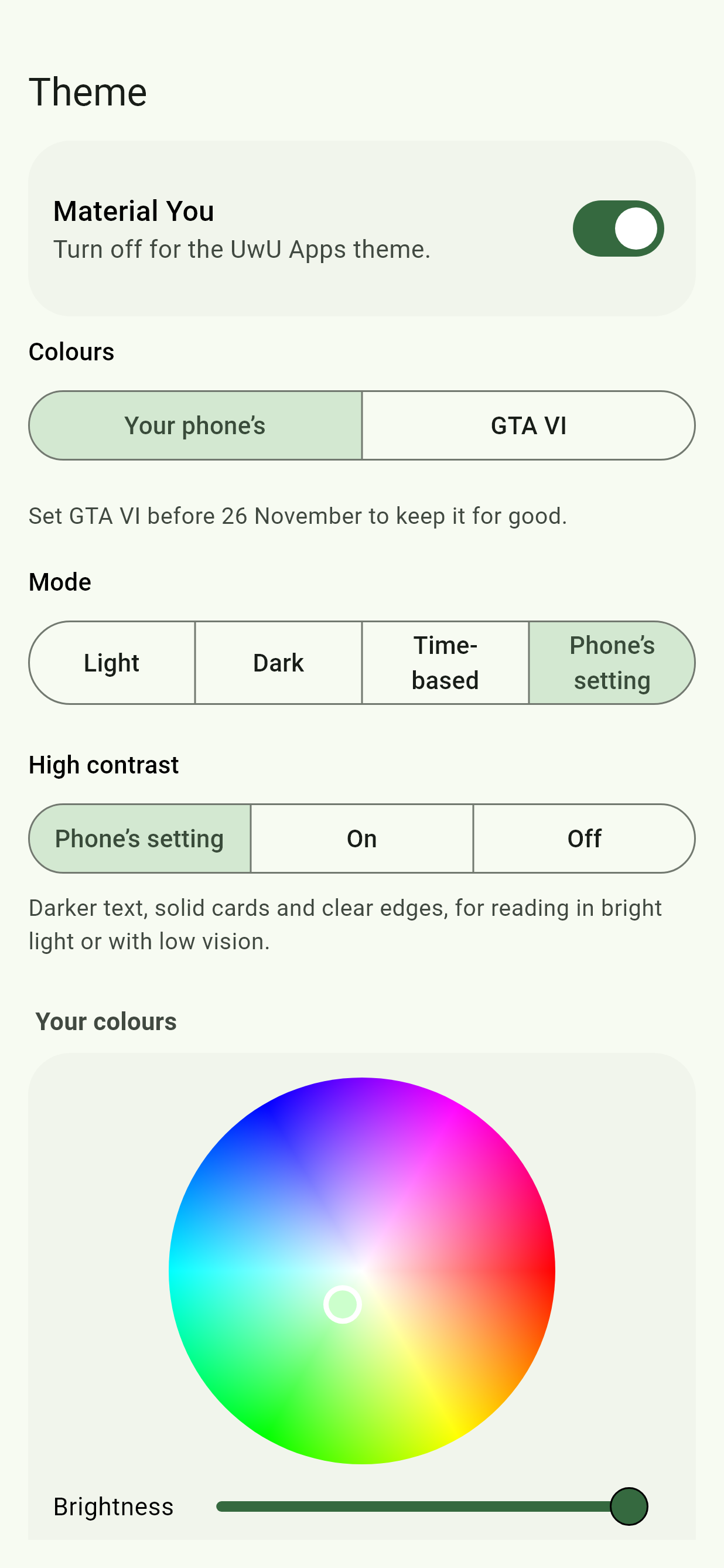
| Mode | Light, Dark, Time-based, by the clock, or Phone's setting. |
| High contrast | Darker text, solid cards and clear edges, for reading in bright light or with low vision: Phone's setting, On or Off. |
| Your colours | Once an Easter egg has unlocked it: one colour on the wheel, or a preset an egg brought, and the whole theme made from it. In Material You, Colours picks Your phone's (the default) or Your colours. |
| Easter eggs | How many you've found. |